





What is Google Meet
Google Meet delivers fast, secure video conferencing with a streamlined interface for quick meetings and large calls. Jump into calls from any device, schedule with Google Calendar, and start collaborating instantly with a click.
Core Features
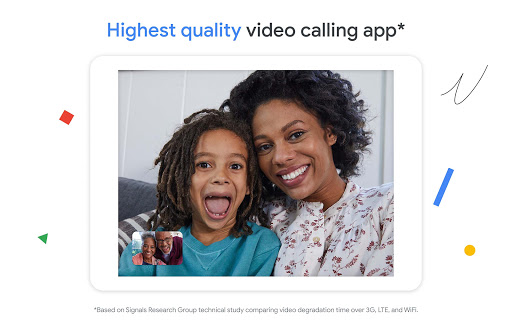
HD video and audio Adaptive video and audio deliver clear meetings across variable connections with automatic bandwidth adjustments. Built-in noise cancellation and echo control keep conversations crisp. 🎥
Screen sharing and presenting Share entire screens, windows, or specific tabs for smooth presentations and demos. Presenter controls let hosts manage what attendees see and when. 🖥️
Calendar and Gmail integration Meetings auto-generate join links and calendar invites that sync across accounts for seamless scheduling. One-click join from Calendar or Gmail reduces friction and no-shows. 📅
Recording and transcripts Cloud recordings save directly to Google Drive with optional automated captions and transcripts for on-demand review. Recordings are searchable and easy to share with team members. 💾
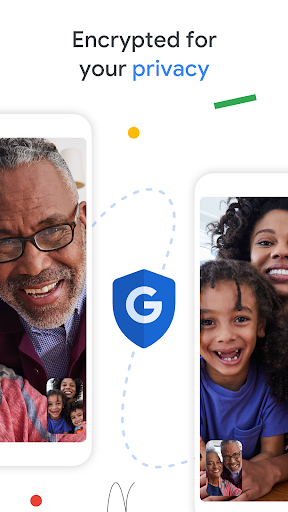
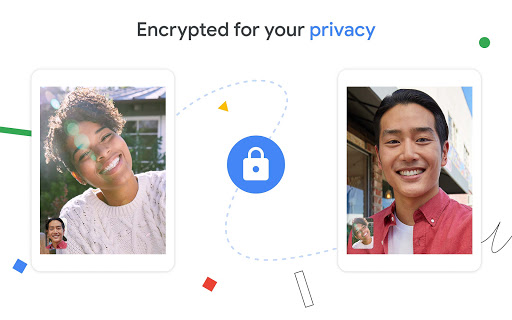
Security and admin controls Encryption in transit and robust admin settings help protect meetings and restrict access. Admin dashboards provide meeting policies, user controls, and audit logs for compliance. 🔒
Pros
Instant join via link Participants can join with a single URL without complex setup, reducing friction for external guests. Web and mobile compatibility simplifies access across devices. ✅
Deep Workspace integration Native sync with Google Calendar, Drive, and Gmail streamlines workflows and file sharing during meetings. Scheduling, attachments, and meeting notes stay centralized. ⏰
Reliable call quality Strong performance across networks with adaptive layouts and background noise suppression. Consistent experience for small teams and larger groups. ⚡
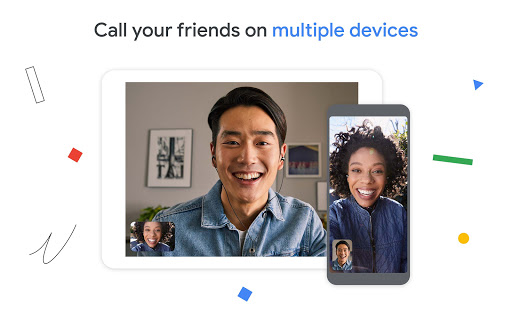
Cross-platform support Full-featured apps on Android, iOS, and web keep meetings consistent while switching devices. Browser-based access avoids installs for many attendees. 📱
Scalable admin features Admins gain role management, meeting policies, and reporting for enterprise governance. Controls include meeting locks, participant management, and access restrictions. 🛡️
Cons
Advanced features behind paywall Recording, larger participant caps, attendance reports, and advanced meeting controls require Workspace subscriptions. Free users may hit limits quickly for professional needs. 💸
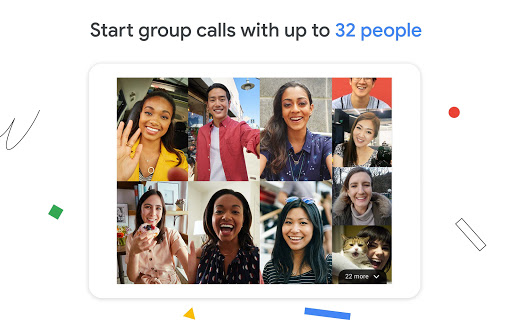
Participant and duration limits on free plan Free meetings cap at 100 participants and have a 60-minute limit for group calls, which can restrict larger events. Upgrades are required for webinars or town halls. 🚫
Recordings consume Drive storage Meeting recordings store in Google Drive and count against account storage quotas. Organizations with heavy recording needs may need to purchase additional storage. 📦
Browser-specific quirks Best overall experience is in Chrome, while some features perform differently in other browsers. Occasional permission prompts and extensions can interrupt workflow. 🖥️
Privacy and compliance considerations Data residency and retention policies may require configuration for regulated industries. Administrators must review settings and contracts for enterprise compliance. 🔍
Prices
Google Meet is free with a Google account and supports up to 100 participants and limited meeting durations, making it ideal for casual and small team use. Google Workspace plans start at $6 per user per month (Business Starter), with Business Standard at $12 and Business Plus at $18 per user per month for expanded participant limits, recordings, and admin features; Enterprise pricing available on request.