What is Google Calendar
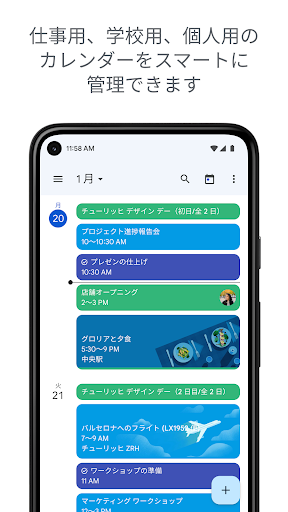
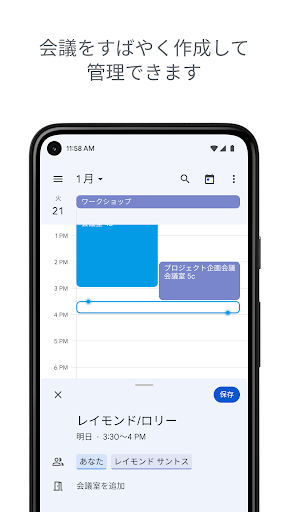
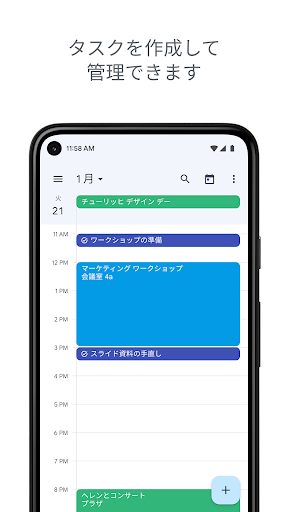
Google Calendar delivers fast, reliable scheduling with powerful integrations that keep days organized and meetings on track. High-energy, action-ready design makes setup simple and switching to a better calendar a no-brainer.
Core Features
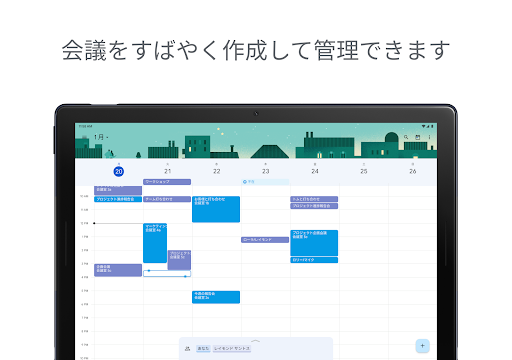
Smart scheduling AI-powered suggestions find the best times based on participant availability and time zones. Set buffers and preferred meeting lengths for faster event setup. 🕒
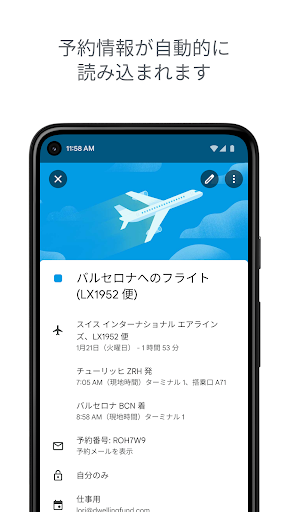
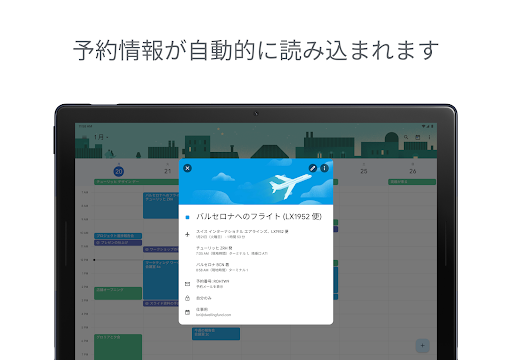
Gmail integration Create events directly from emails and RSVP from messages with one tap. Travel reservations and flight details auto-populate into calendar entries. ✉️
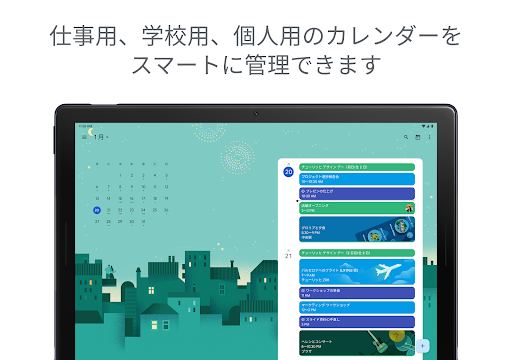
Cross-device sync Events stay synced across phones, tablets, and web in real time. Offline access allows viewing and editing without connection, syncing on reconnect. 🔁
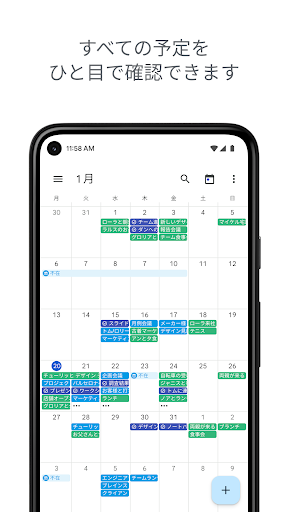
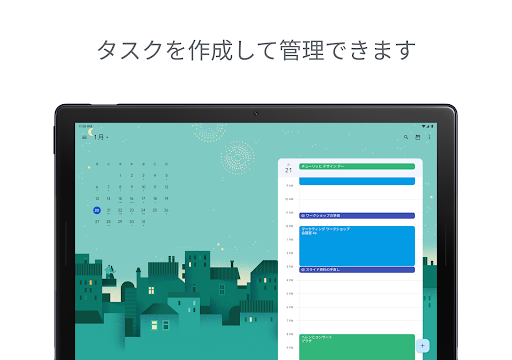
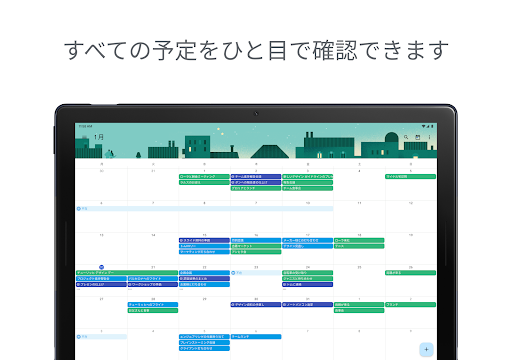
Shared calendars and permissions Share calendars with teams and set custom permissions for visibility or editing. Color-coding and calendar overlays keep multiple schedules readable at a glance. 📅
Reminders and notifications Custom reminders, goal tracking, and smart notifications keep priorities visible without clutter. Snooze and notification scheduling reduce interruptions. 🔔
Pros
Free for personal use No cost with a Google account and broad platform support. Syncs across devices without extra setup. ✅
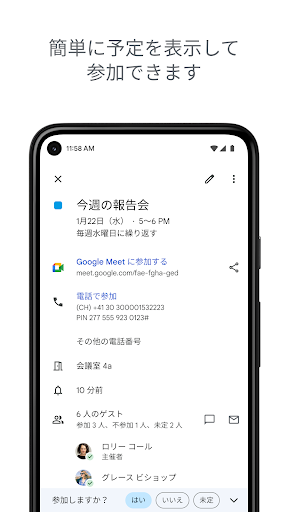
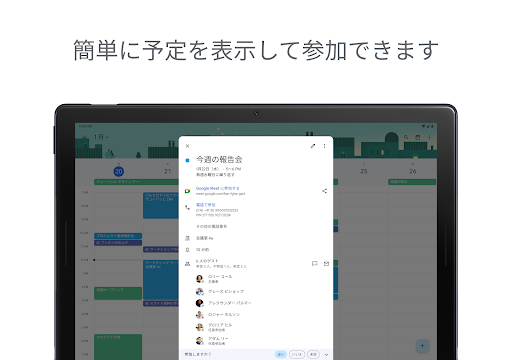
Strong collaboration tools Invite attendees, see guest availability, and integrate with Google Meet for instant video links. Permissions and sharing options make team coordination simple. 🤝
Reliable cloud sync Changes update instantly across devices and linked apps to avoid double-booking. Backup through the Google account reduces data loss risk. ☁️
Clean, efficient interface Minimal design reduces friction when creating events and navigating schedules. Multiple views help focus on day-to-day or long-term planning. 🎯
Time-saving features Quick event creation, templates, and suggested titles speed up workflow. Natural language entry simplifies adding events on the fly. ⚡
Cons
Data and privacy trade-offs Event content is stored under the Google account and subject to Google's privacy policy. Users concerned about data collection should review account settings and permissions. 🔒
Google account required Some sync and sharing features require signing in with a Google account. No anonymous multi-device sync is available for non-Google users. 📛
Limited offline features Offline mode is available but editing and some features are restricted until reconnection. Reliance on cloud sync can be a drawback in poor connectivity. 📴
Complex recurring event edits Complex recurring events sometimes require extra steps and can be confusing to edit. Editing exceptions is possible but not always intuitive. 🔁
Advanced features need Workspace Team admin controls and advanced security are part of paid Workspace tiers. Small businesses may need to upgrade for enterprise-level management. 💳
Prices
Google Calendar is free for personal use with a Google account and includes most features for everyday scheduling. Google Workspace business plans that add admin controls, advanced security, and support start at $6 per user per month in the US and scale with feature level; enterprise pricing varies.