
What is Calculator+
Calculator+ delivers a fast, polished calculator experience tailored to US users, with built-in unit conversions and tax-friendly features. Download now to speed through everyday math, work calculations, and study sessions with high-energy performance.
Core Features
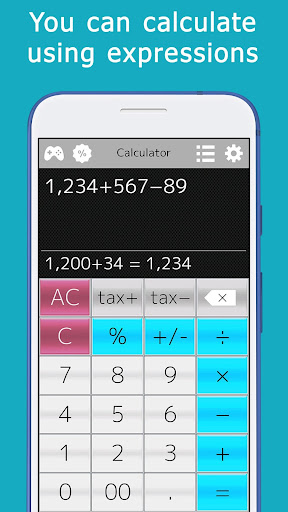
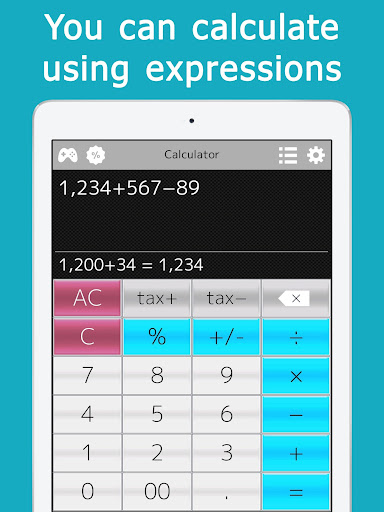
Scientific Mode Powerful scientific functions include trig, logarithms, and parentheses for complex expressions. High-precision results and fast computation handle homework and professional tasks with ease. 🔢
Graph Plotting Plot basic functions and visualize results for quick analysis. Adjustable scales and zoom make trends easy to inspect. 📈
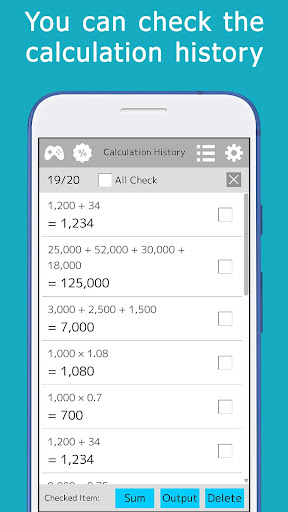
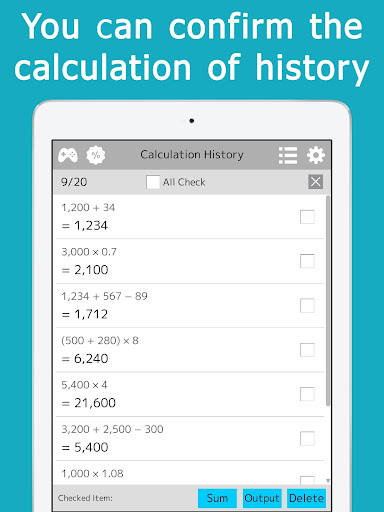
History Tape Full calculation history allows quick review, editing, and re-evaluation of past entries. Copy, paste, or export specific lines for sharing and record-keeping. 🧾
Unit Converter Convert between US customary and metric units instantly across length, weight, volume, and temperature. Built-in presets speed up everyday conversions and travel planning. 🔄
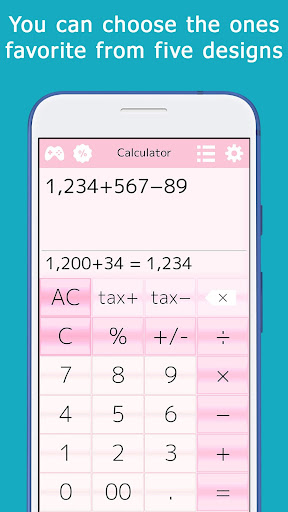
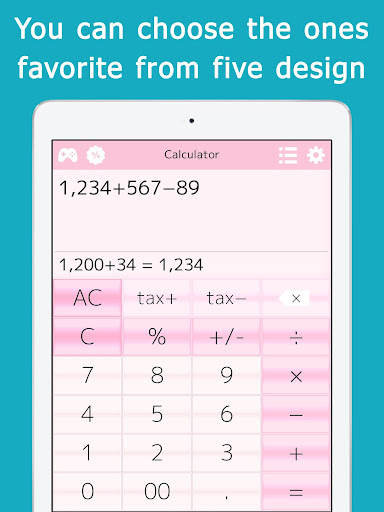
Themes & Widgets Multiple theme options and home screen widgets for rapid access and personalization. Dark mode and size adjustments improve readability in any environment. 🎨
Pros
Accuracy & Speed Calculations are reliable and execute instantly on modern devices. Optimized algorithms reduce rounding errors for common workflows. ⚡
Offline Functionality Core features work without an internet connection, protecting data and ensuring availability. Ideal for secure environments and travel. ✅
User-Friendly Interface Clean layout and large buttons minimize input errors and speed up entry. Clear labels and contextual help reduce the learning curve. 🧭
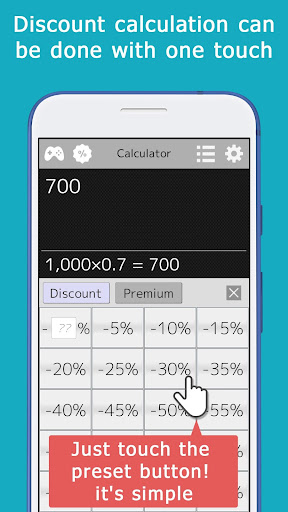
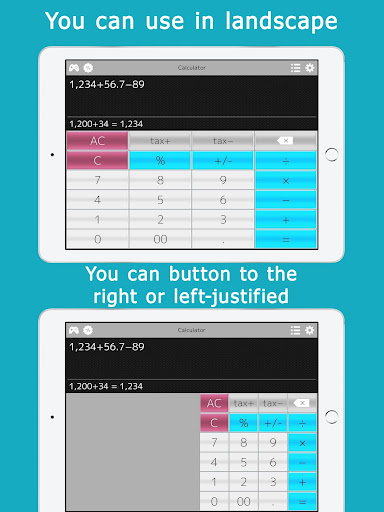
Customizable Experience Themes, button layouts, and widget choices let users tailor the app to personal needs. Quick presets enable fast switching between modes. 🎛️
Privacy-Conscious Local-only calculation history by default with optional cloud backup behind an opt-in paywall. Minimal permissions requested at install. 🔒
Cons
Ads in Free Version The free tier includes interstitial and banner ads that interrupt extended sessions. Ads can impact focus during complex calculations. 📺
Premium Paywall Advanced features like cloud sync and extended history require a subscription or one-time upgrade. Some users may find essential tools gated behind pay. 💳
Limited Advanced Graphing Graphing is suitable for basic plots but lacks the depth of dedicated graphing calculators. No built-in CAS or advanced curve analysis tools. 📉
Occasional UI Clutter Feature-rich layouts can feel crowded on smaller screens, making smaller buttons harder to hit. Frequent users may need to customize layout for comfort. 🧩
Account Requirement for Sync Cloud backup and cross-device sync require account creation, which may concern privacy-focused users. Account features are optional but necessary for seamless backups. 🔐
Prices
Calculator+ offers a free version with ads and core features included to try before buying. Premium options remove ads and unlock cloud sync and extended history - typical pricing is around $3.99/month or $19.99/year, with a one-time lifetime unlock available for a higher fee.