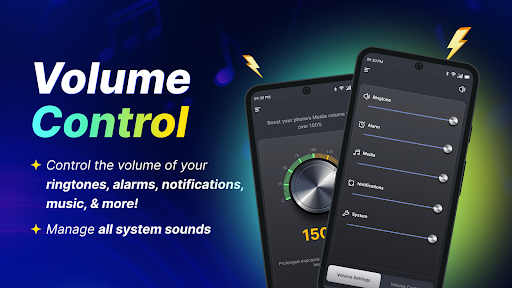
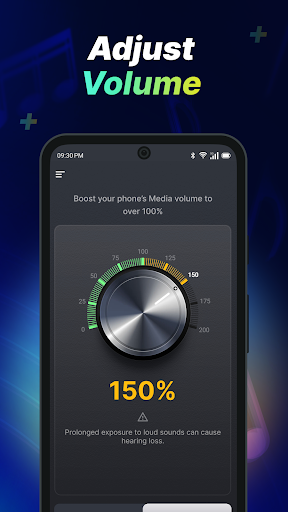
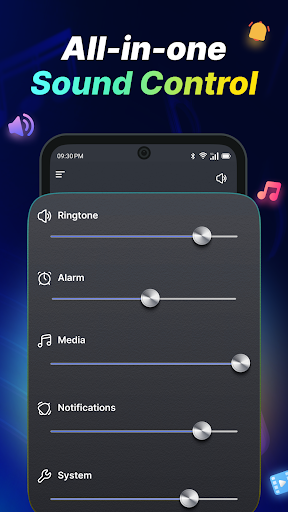
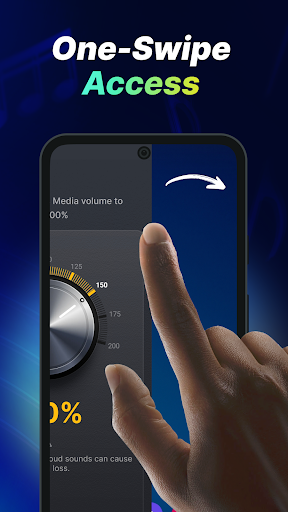
What is Volume Control Sound Launcher
Level up audio control with Volume Control Sound Launcher for fast, reliable profile switching and per-app volume rules. Perfect for US users who need instant control during commutes, work, and entertainment - download now and simplify daily sound settings.Core Features
Quick Presets Create and switch between custom volume presets in one tap to handle different environments like commute, work, or gym. Presets cover media, ringtone, alarm, and notification channels for complete control. 🔊
Per-App Volume Assign specific volume levels to individual apps so streaming or calls launch at preferred loudness without manual adjustment. Automatic profile switching on app open keeps audio consistent. 🎚️
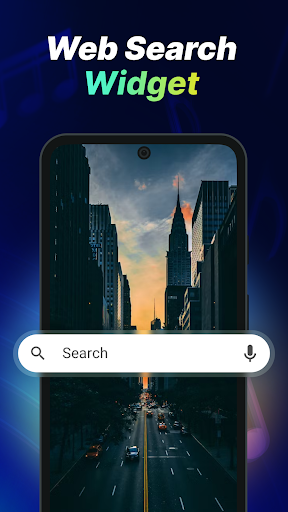
Widgets & Shortcuts Place homescreen widgets and shortcuts for instant profile activation and visual status at a glance. Widgets show current profile and enable single-tap changes from the launcher. 📱
Automation & Scheduling Schedule profiles by time, location, or connected Bluetooth device to automate routines like meetings or bedtime. Triggers include silent mode, DND toggles, and device connections to simplify audio management. ⏱️
Integration & Accessibility Works with Android accessibility and notification permissions for reliable cross-app control and quick-launch gestures. Integrates with most launchers for seamless access to sound profiles. 🔗
Pros
Instant switching Switch audio profiles in one tap for immediate changes without digging through system settings, speeding up daily workflows. ✅
Granular control Fine-tune media, alarm, ringtone, and notification channels independently for a tailored listening experience. 🎯
Automation features Time and Bluetooth triggers automate behavior during drives or meetings to reduce manual adjustments. ⚡
Homescreen access Widgets and shortcuts place controls where they are needed most for true one-touch convenience. 📲
Affordable upgrade Pro unlock is a one-time purchase that removes ads and unlocks advanced features for minimal cost. 🔓
Cons
Permissions required Accessibility and notification permissions are needed to manage per-app levels, which may concern privacy-conscious users. ⚠️
Background usage Heavy automation and scheduling can increase battery usage on older or resource-limited devices. 🔋
Platform limits Primarily geared toward Android; iOS support is limited or unavailable, so cross-platform syncing is not provided. 📵
Setup complexity Advanced automation rules and accessibility settings require manual configuration and may confuse casual users. 🛠️
Ads in free tier Free version includes ads that can interrupt workflows unless the Pro upgrade is purchased. 💸
Prices
Free to download with ads and core features available at no cost. One-time Pro unlock typically ranges from $2.99 to $4.99 to remove ads and enable advanced options. Additional small in-app purchases may be offered for widget packs or extra automation modules.