Features of Snipping tool - Screenshot
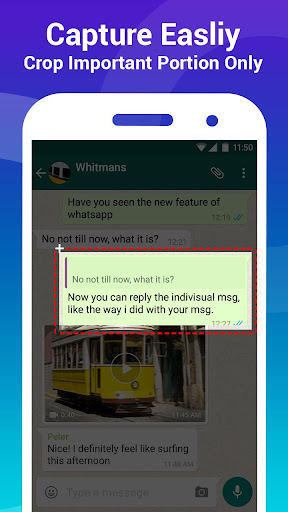
Quick capture
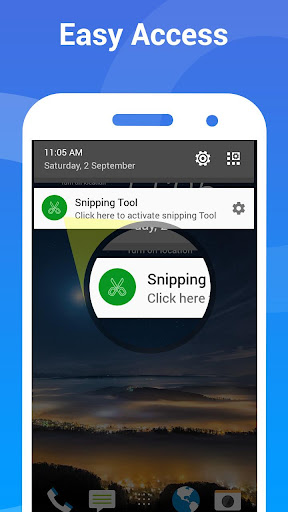
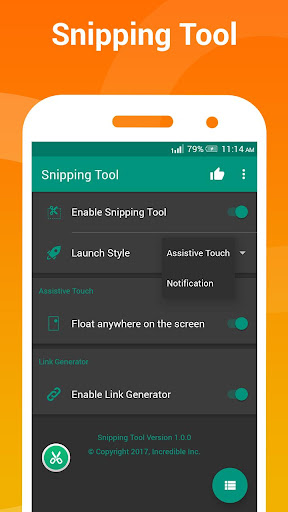
Capture full screen, selected area, or delayed snapshots with a single tap. Supports multiple capture modes and easy toolbar access for fast screenshots.
Edit and annotate
Built-in editor lets you crop, highlight, blur sensitive info, and add text or shapes. Editing tools are simple and responsive for quick adjustments.
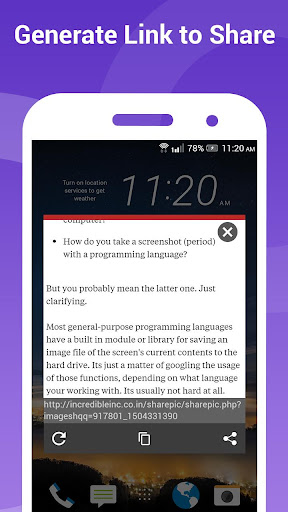
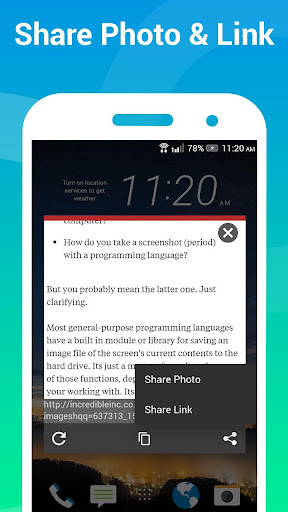
Share and organize
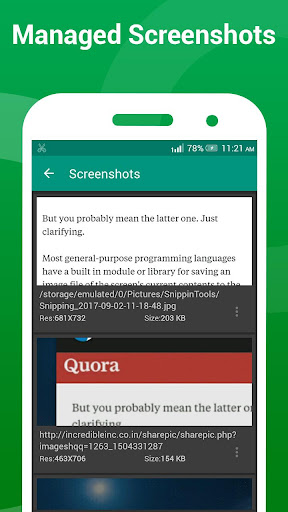
Save captures to organized folders, auto-tag screenshots, and share via messaging or cloud services with one action. Export options include common image formats.