
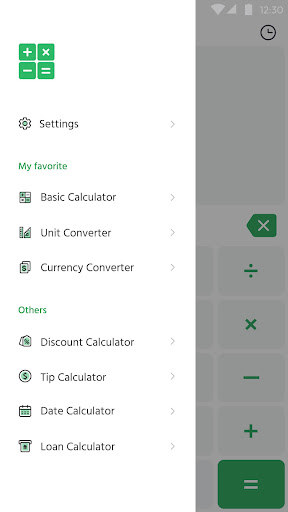
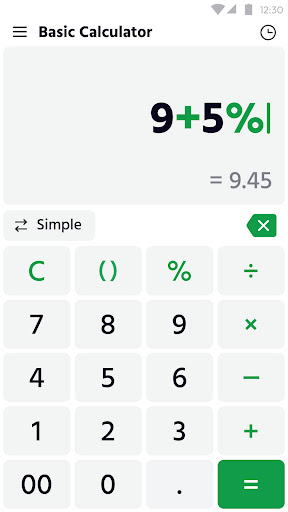
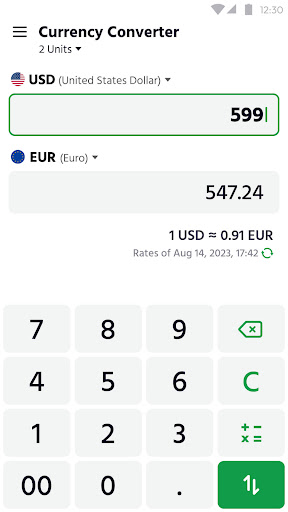
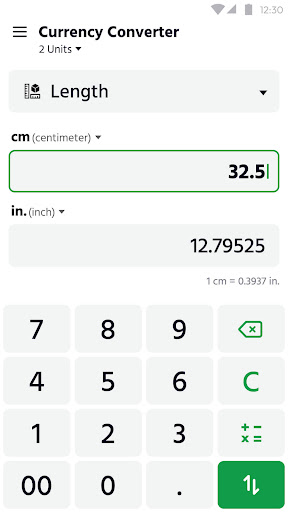
What is Calculator: Simple Calculator
Calculator: Simple Calculator delivers fast, no-frills arithmetic for daily tasks and quick decisions. Clean layout, large buttons, and a responsive keypad speed up workflows and reduce errors. Download now to simplify calculations and boost productivity.
Core Features
Basic arithmetic Fast addition, subtraction, multiplication and division with instant results. Interface focuses on clarity and speed for everyday calculations. ➕
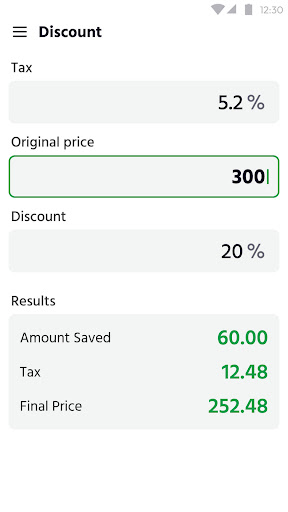
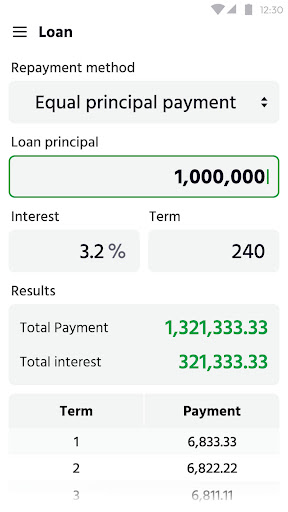
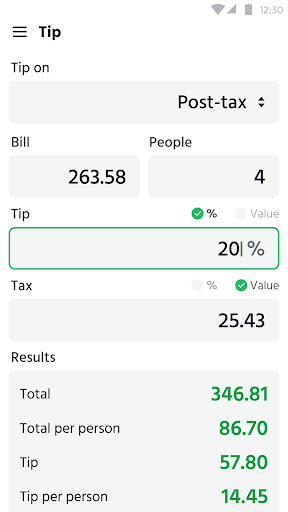
Advanced functions Includes percent, square root, and basic memory operations for common needs. Scientific-level functions may be limited to a Pro option for power users. 🔢
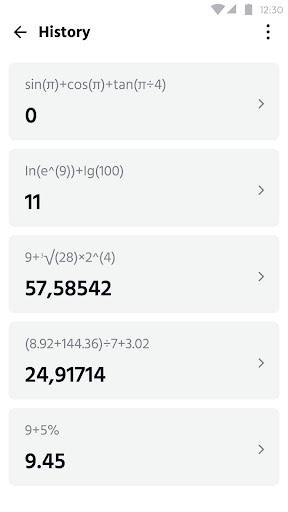
History tape Keeps a scrollable history of recent calculations for quick reference and copy. Tap entries to reuse values without retyping. 🧾
Widgets & shortcuts Home screen widget and quick-access shortcuts speed up repeated tasks. Configure widget size and theme for fast access. 🧭
Dark mode & themes Switchable themes reduce eye strain and fit various workflows. Lightweight design preserves battery life on phones. 🎨
Pros
Fast performance App launches instantly and performs calculations without lag. Optimized for low CPU use on a wide range of devices. ⚡
Minimal design Clean layout reduces clutter and speeds up input accuracy. Big buttons and readable fonts aid quick use, especially on small screens. ✅
Offline capability Core calculations work without an internet connection, ensuring privacy and reliability. Ads only load when online, so offline use is uninterrupted. 📴
Low permissions Requires no access to contacts or location; only network access for ads and analytics. Permission requests are transparent and minimal. 🔒
Small install size Tiny footprint keeps storage impact minimal and installs fast. Ideal for older phones or limited storage situations. 🗂️
Cons
Ad support Free version displays banner or interstitial ads that interrupt flow at times. Premium option removes ads, but some users may prefer a fully free experience. 📣
Limited advanced math More complex scientific or graphing functions are not included in the basic app. Power users will need to upgrade or look for dedicated scientific calculators. 🔬
No cloud sync Calculation history and settings do not sync across devices by default. Manual export may be required to transfer data between phones. ☁️
Occasional upgrade prompts Promotional prompts encourage upgrade to Pro or ad-free frequently for features. These prompts can be intrusive for users seeking a pure minimal experience. ⭐️
Ads require network Ads and some analytics require internet access, which may impact data plans on metered connections. Offline use prevents ad loading but also delays any ad-based features. 📡
Prices
Free with ads and optional in-app purchases to remove ads or unlock Pro features. Typical pricing: remove ads for about $1.99 and Pro bundle for about $4.99 as one-time purchases through the store.