What is Lenovo
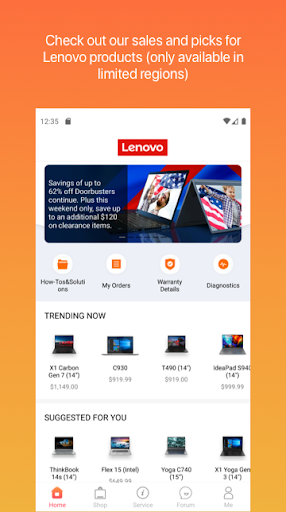
Lenovo puts device management, system updates, and support tools into one streamlined app built for Lenovo hardware. Fast diagnostics, one-tap updates, and direct warranty access deliver high-energy device care for US users — download and get optimized now.Core Features
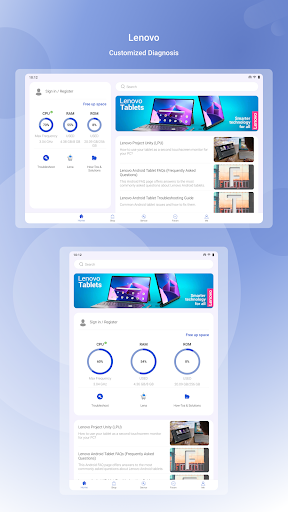
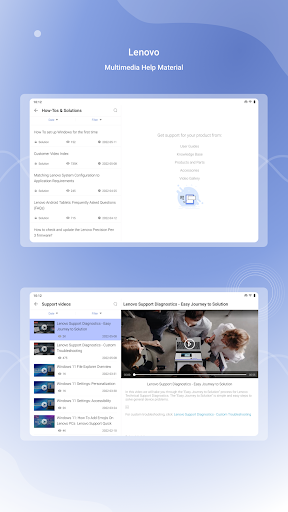
Device Health & Diagnostics Run quick hardware and software checks to identify issues and recommend fixes in minutes. Clear status summaries make troubleshooting fast and actionable. 🛠️
System Updates Automatic and manual firmware updates keep drivers and OS components current with minimal fuss. Update notifications prioritize security patches for timely installation. 🔄
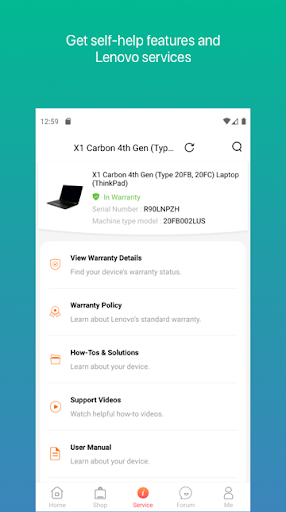
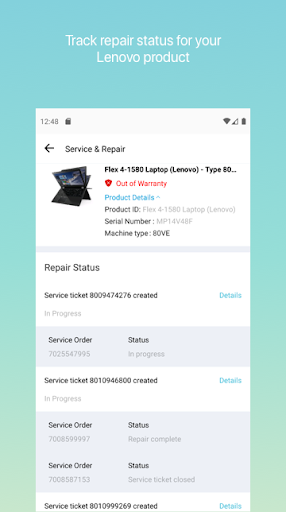
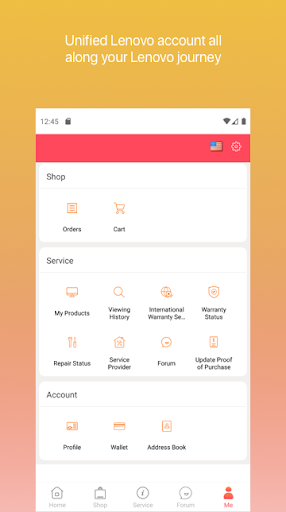
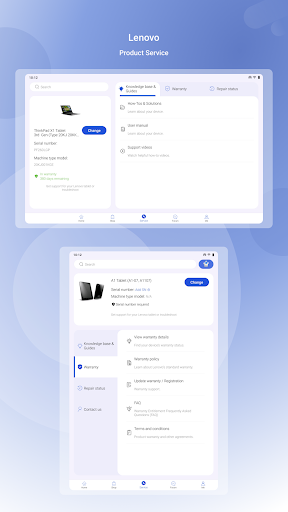
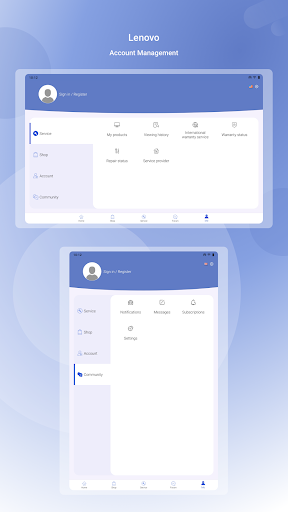
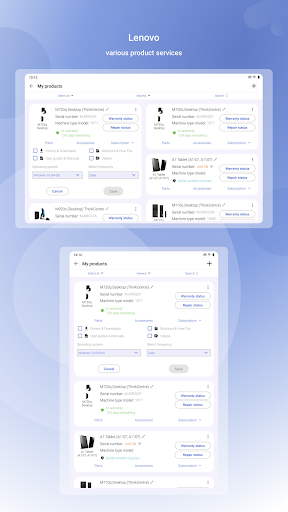
Support & Warranty Access warranty details, service options, and direct contact with Lenovo support from a single screen. Claim tracking and service history are easy to find. 📞
Performance Optimization Built-in tools free up resources, adjust power profiles, and suggest performance modes for work or gaming. Real-time monitoring helps sustain smooth operation. 🚀
Backup & Security Settings Manage backup schedules, recovery options, and key security settings to protect data and device access. Integration with cloud and local backup methods simplifies restores. 🔒
Pros
Tight Lenovo integration Deep hardware-level access enables accurate diagnostics and driver updates tailored to Lenovo models. This delivers better compatibility than generic tools. ✅
User-friendly interface Clear menus and one-tap actions make maintenance approachable for non-technical users. Setup guides and prompts speed first-time configuration. ⚡
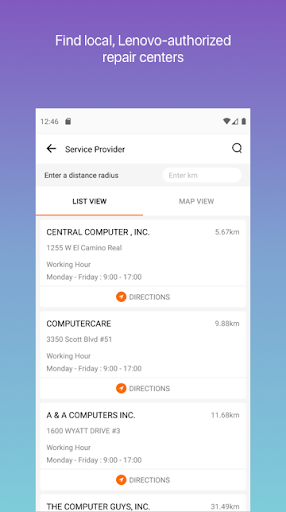
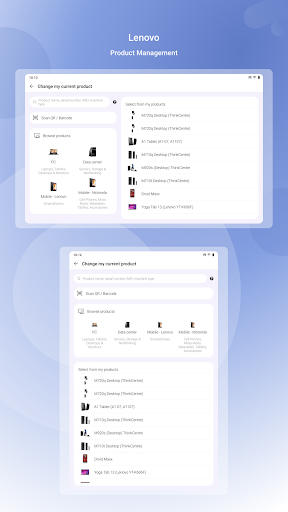
Direct support channels In-app support options connect to warranty info, live chat, and service scheduling without hunting through websites. That reduces downtime for repairs. 🔍
Regular security patches Timely update delivery helps keep devices protected against emerging threats. Automated scheduling minimizes missed updates. 📦
Free core features Most maintenance tools and diagnostics are available at no cost, making it easy to start optimizing immediately. No upfront payment required for basic care. 💸
Cons
Lenovo-only focus Functionality is optimized for Lenovo devices and offers limited benefit on non-Lenovo hardware. Cross-brand support is minimal. ⚠️
Permissions required Deep system access demands many permissions that may concern privacy-focused users. Review permission requests before granting access. 🔐
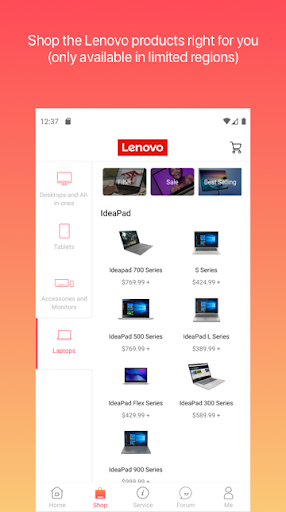
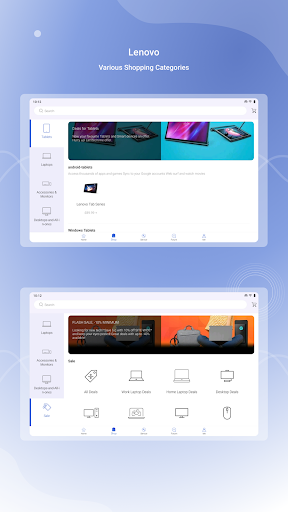
Promotional content Occasional in-app offers and hardware promotion prompts appear that can interrupt the experience. Some users may find the upsell frequency distracting. 🛒
Occasional update issues Rare update failures or diagnostic false positives can require manual intervention or support assistance. Keep recovery options ready just in case. 🐞
Limited advanced controls Power users may find advanced system tuning and customization options lacking compared with dedicated third-party tools. Expert-level tuning may require external apps. 📵
Prices
The Lenovo app is free to download and includes core diagnostics, updates, and basic support at no cost. Paid services such as extended warranties, premium support, and on-demand repair may incur fees or subscriptions. In-app purchases and service charges are clearly disclosed before purchase. Try the free tools first and upgrade only if premium support or extended coverage is needed.