What is Calendar
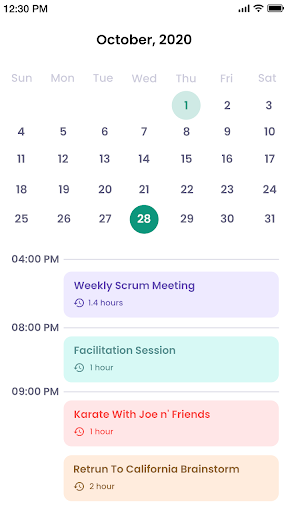
Calendar delivers fast scheduling and clean visuals to simplify daily planning. It syncs with Google, Outlook, and device calendars for seamless cross-platform organization. Download now to transform the daily routine with smarter scheduling.
Core Features
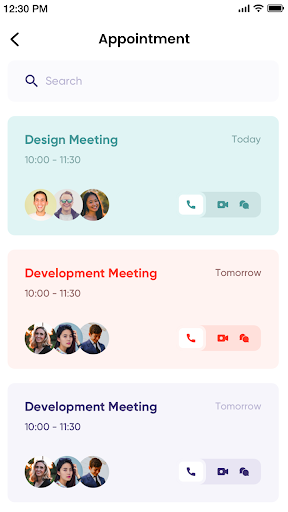
Smart Scheduling Uses AI suggestions and conflict detection to propose optimal meeting times. One-tap invites and quick rescheduling speed up coordination across teams. 🚀
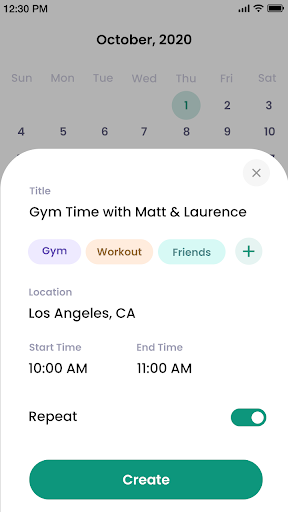
Natural Language Input Parse casual phrases like "Lunch with Alex tomorrow at noon" and create events instantly. Time zone handling and quick edits make entry effortless. 📝
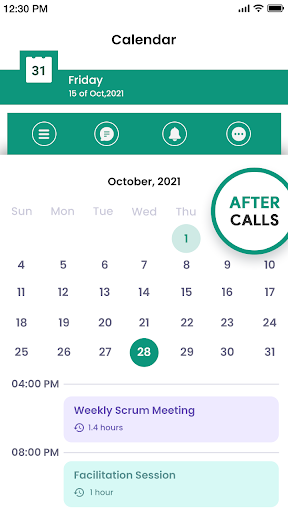
Cross-Platform Sync Syncs in real time with Google Calendar, Outlook, and device calendars to keep everything aligned. Offline edits queue and apply once online to prevent data loss. 🌐
Smart Reminders & Notifications Custom reminders, snooze options, and location-based alerts ensure nothing slips through. Notification rules can be tailored per event or calendar for focused workflow. ⏰
Privacy Controls Granular sharing settings and optional local-only mode limit data exposure. TLS encryption and anonymized analytics are applied where account features are used. 🔒
Pros
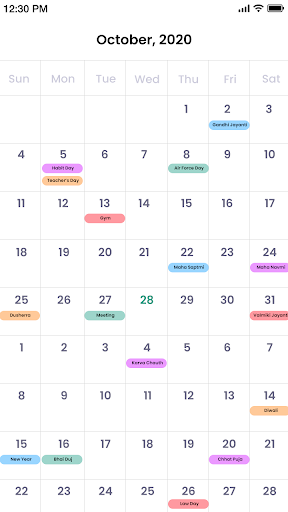
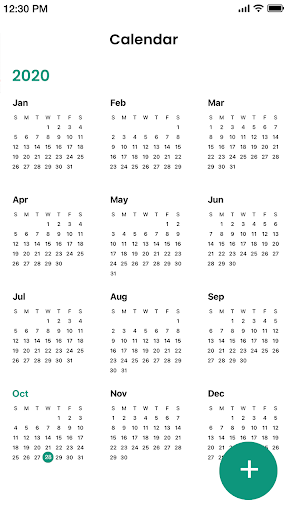
Intuitive Interface Clean layout and color coding make scanning schedules fast and efficient. Widgets and today views deliver glanceable info for on-the-go planning. ✅
Reliable Syncing Background sync keeps multiple accounts in sync with minimal setup. Conflict warnings and merge options reduce duplicate entries. 🔁
Powerful Integrations Connects to video conferencing, task managers, and CRM tools to streamline workflows. One-click join links and task creation save time in meetings. 🔗
Flexible Notifications Multiple alert types and do-not-disturb schedules prevent distraction while keeping priorities visible. Custom rules support work hours and travel modes. 🛎️
Accessible Pricing Tiers A free tier covers core features while premium adds advanced automation at competitive rates. Trial periods allow testing before committing to a subscription. 💳
Cons
Some Premium Features Locked Advanced automation, meeting templates, and premium integrations require a paid subscription. This can limit power users on the free plan. 💸
Limited Theme Customization Color schemes and layout options are more restrictive than some competitors. Heavy customizers may find the UI rigid. 🎨
Occasional Sync Delays Sync can lag when connecting multiple accounts or large calendars, causing temporary inconsistencies. Manual refresh resolves most cases but adds friction. ⏱️
Learning Curve for Advanced Tools Automation rules and shared calendar permissions take time to master for new users. Support docs are helpful but may not replace walkthroughs. 📘
Third-Party Integration Limits Certain niche apps lack direct connectors, requiring Zapier or similar bridges. This adds cost and configuration overhead for complex setups. 🔌
Prices
Free tier available with core scheduling, reminders, and basic sync. Premium subscription is $4.99/month or $34.99/year and unlocks advanced automation, templates, and premium integrations; business plans with team management start at $9.99/user/month.