
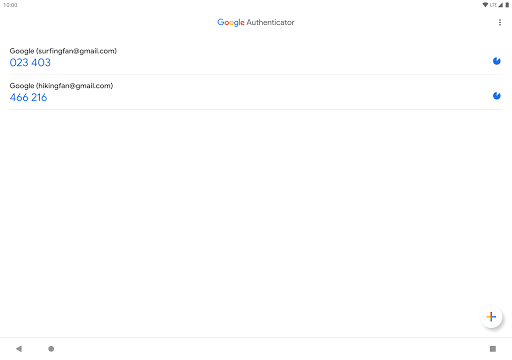
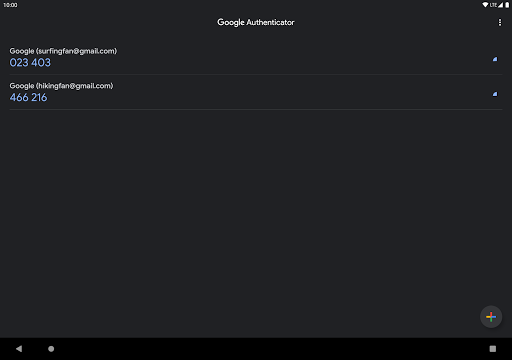
What is Google Authenticator
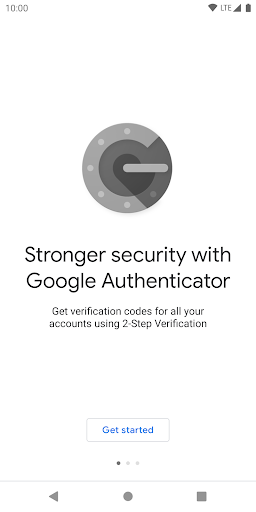
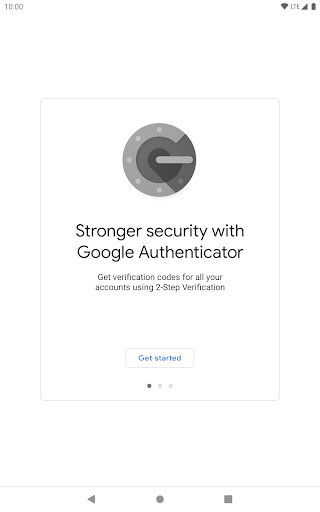
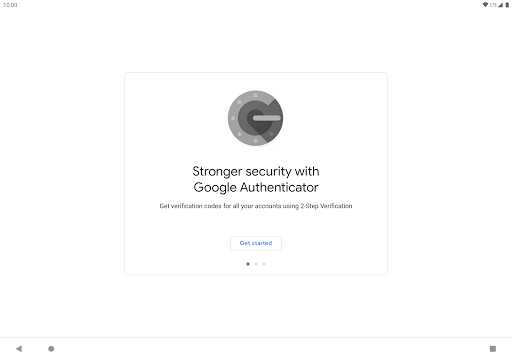
Secure accounts with fast, reliable two-factor authentication using Google Authenticator. Download now to generate time-based passcodes and lock down online accounts with simple, offline MFA.
Core Features
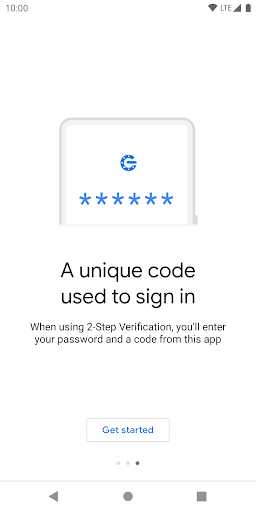
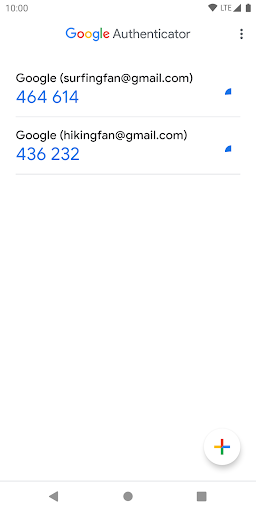
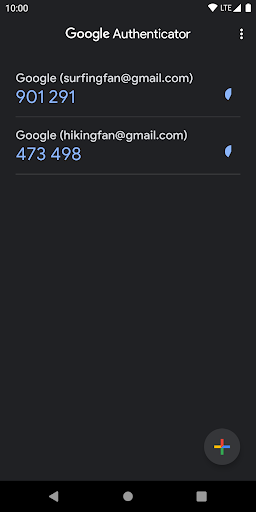
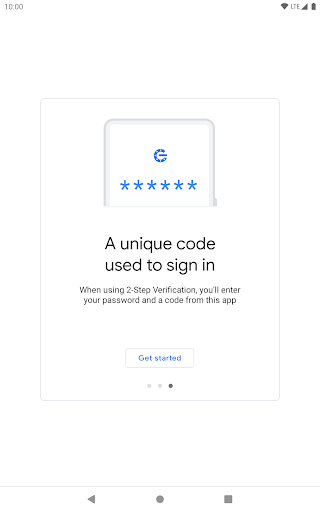
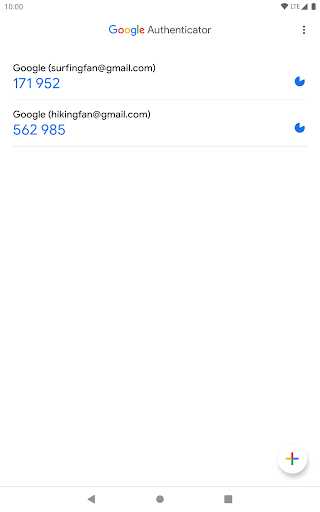
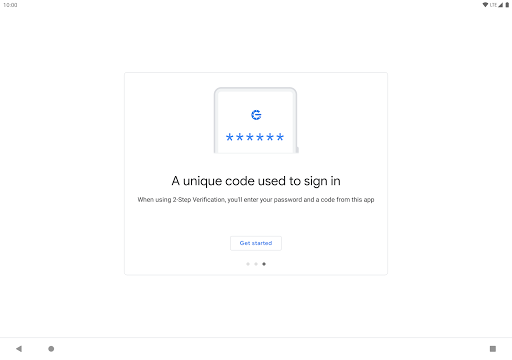
Time-based one-time passcodes Generate 6-digit TOTP codes that refresh every 30 seconds for standard MFA workflows. Works offline so codes are available without network access. ⏱️
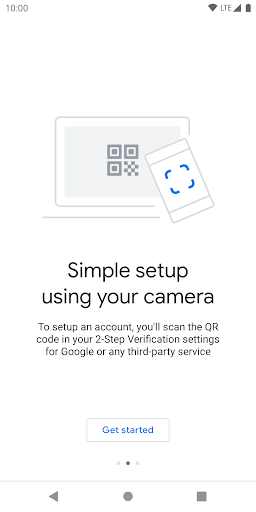
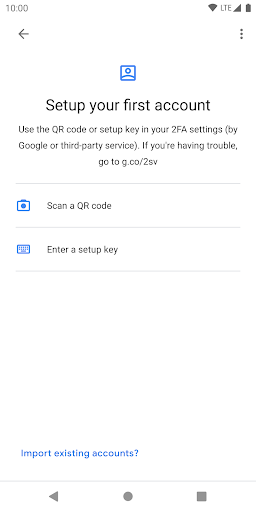
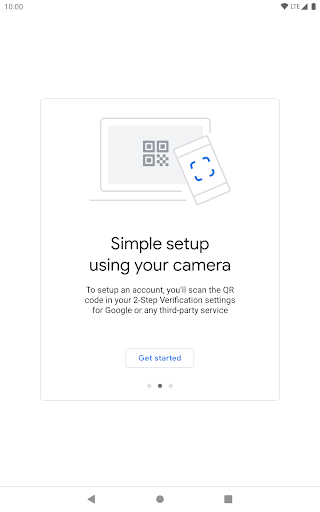
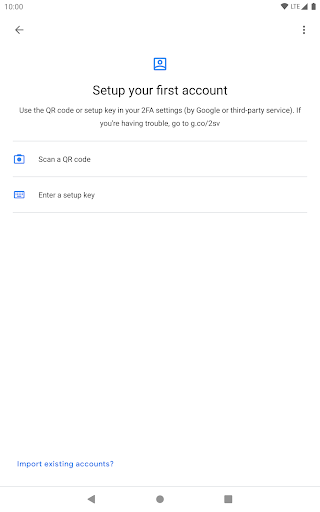
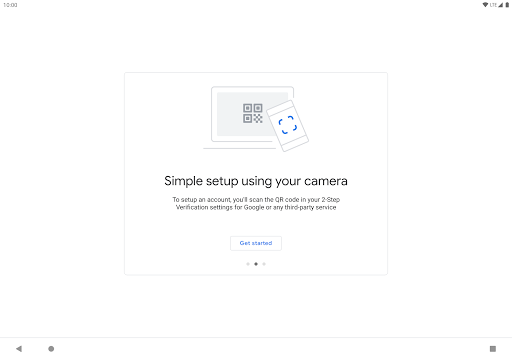
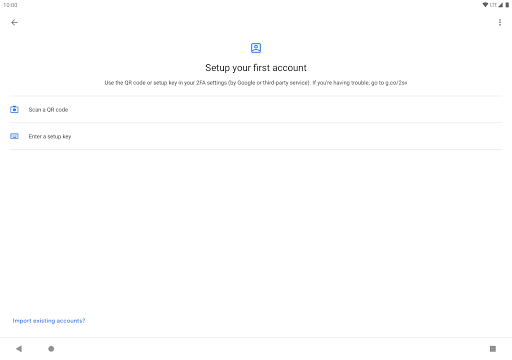
QR code setup and account scanning Add accounts quickly by scanning provider QR codes or entering setup keys manually when QR is unavailable. Instant setup streamlines onboarding for new services. 📷
Account transfer and device migration Export and import accounts using secure QR transfers to move credentials between devices when upgrading phones. Transfer workflows require physical device access to complete and avoid cloud exposure. 🔁
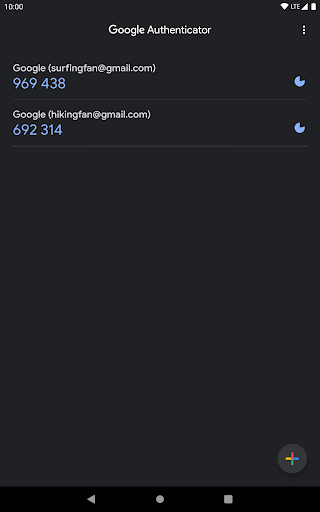
Multi-account support and labeling Manage multiple service tokens with customizable labels and icons to identify accounts at a glance. Clean list view reduces entry errors during logins. 🏷️
Simple, lightweight interface Minimal UI focuses on generating codes and managing tokens without background syncing or ads. Small install size preserves device resources and speeds use. ⚡
Pros
High security posture Generates device-bound codes that reduce reliance on SMS and lower phishing risk compared with text-based MFA. No persistent cloud syncing by default keeps secrets local. 🛡️
Offline reliability Codes work without internet or cellular connections, making authentication possible during travel or outages. Users can log in even in airplane mode. ✈️
Wide service compatibility Supports standard TOTP protocols accepted by most major platforms, banks, and developer services. Broad adoption makes it a universal second-factor option. 🌐
No cost or ads The app is free to download and use without ads or in-app purchases for core functionality. Cost-free MFA lowers barriers to strong security adoption. ✅
Fast setup and use Quick QR scanning and immediate code availability make adding and using accounts fast for daily sign-ins. Minimal learning curve benefits users of any technical level. ⚡
Cons
Phone dependency risk Losing a device containing authenticator tokens can lock out accounts without prior backup plans. Account recovery often requires provider-specific fallback methods. 📱
Limited cloud backup No automatic cloud backup of tokens by default means manual transfer or backup codes are necessary to preserve access. Restoring accounts may be cumbersome after device loss. ☁️
No push approvals Lacks one-tap push notifications for approvals that can be faster and more user-friendly than manual code entry. Some enterprise services prefer push-based MFA workflows. 🔕
Manual migration steps Moving multiple accounts between devices can require repeating setup for each service or using temporary export-import flows. Bulk migration is less seamless than automatic sync solutions. 🔧
No built-in password manager integration Does not store passwords or autofill credentials, so pairing with a password manager is recommended for complete login workflows. Separate apps are needed for unified credential management. 🔗
Prices
Google Authenticator is free to download and use for generating authentication codes with no subscription or in-app purchases. Some account recovery options or enterprise features may depend on external paid services or organizational policies, so verify workplace requirements before deployment.