
What is Google Lens
Power up visual search with Google Lens and turn the camera into a smart assistant that identifies objects, extracts text, and translates on the fly. Ready for US users to download and boost productivity, shopping, and travel with instant, actionable results.
Core Features
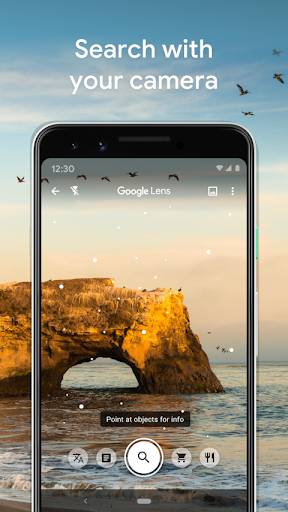
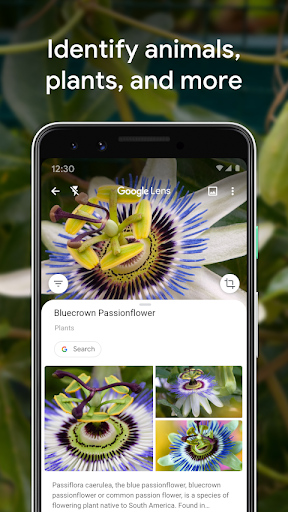
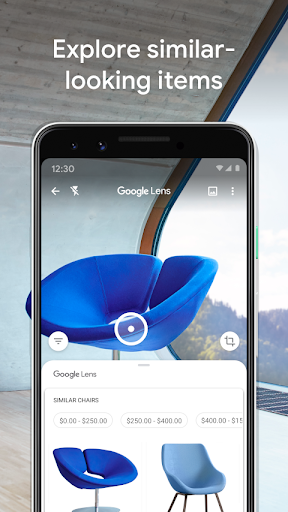
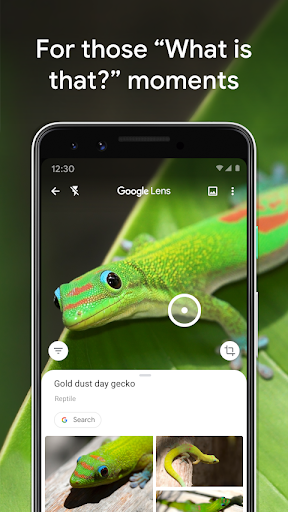
Visual Search Point the camera to identify landmarks, products, plants, and animals with fast visual matches. Results include knowledge cards and related web links for immediate action. 🔍
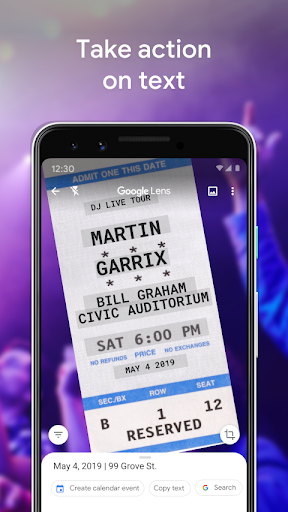
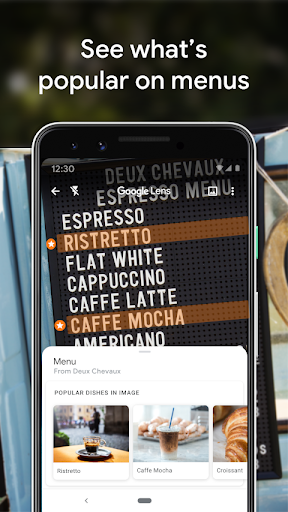
Text Capture & OCR Scan printed or handwritten text to copy, search, or paste into other apps with high accuracy. Editable results speed up note-taking and data entry tasks. 📝
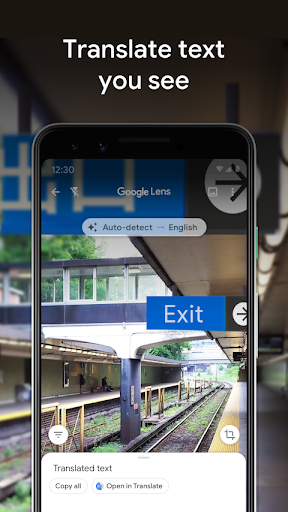
Real-Time Translation Translate text from images instantly across dozens of languages for travel and communication. Overlays replace original text for easy reading in context. 🌐
Shopping & Price Match Scan items or barcodes to find prices, reviews, and where to buy online or nearby. Saves time when comparing deals and locating availability. 🛍️
Smart Actions Extract phone numbers, emails, and addresses from images to call, save contacts, or navigate with one tap. Suggestions help complete tasks without manual typing. 📷
Pros
Fast and Intuitive Camera-based workflows are quick and clear for immediate results on most modern phones. Minimal learning curve makes it ready for daily use. ⚡️
Deep Google Integration Works seamlessly with Google Search, Maps, and Photos to expand context and follow-up options. Saves time switching between apps during searches. 🔗
Free and Widely Available No purchase necessary; available on Android and iOS through Google apps and select device integrations. Accessibility for most US users is high. 💸
Great for Travel Instant translation and landmark recognition simplify navigation, menus, and signs while abroad or in diverse cities. Reduces friction for real-world exploration. ✈️
Image-Based Productivity Turns photos into actionable items like contacts, calendar entries, and translated text to speed up workflows. Ideal for students, shoppers, and professionals on the go. 📱
Cons
Privacy Considerations Images may be processed on Google servers and tied to a Google account for improved results, which may concern privacy-focused users. Review account settings and permissions to manage data handling. 🔒
Internet Dependency Many features rely on cloud processing and a stable connection, limiting full functionality offline. On-device capabilities are improving but remain limited for some tasks. 📶
Variable Accuracy Recognition performance can drop with poor lighting, low-resolution images, or uncommon items, leading to occasional misidentification. Manual verification is recommended for critical information. ❓
Device and Region Limits Certain features or language support may be restricted to newer devices or specific regions, impacting consistency across users. Check device compatibility and app updates for best results. 📴
No Premium Upgrade for Extras Advanced enterprise-level integrations are limited; heavy commercial users may need separate Google Cloud Vision APIs for large-scale needs. That requires additional setup and costs. ⚙️
Prices
Google Lens is free to download and use as part of the Google app experience, with most core features available at no charge. A Google account and compatible device are required for full functionality, while enterprise or large-scale image processing may involve paid Google Cloud services.