
What is Delete apps - Easy Uninstall
Delete apps - Easy Uninstall makes removing unwanted apps fast and effortless for Android users across the US. Clean up storage, boost device performance, and grab more space - download today.
Core Features
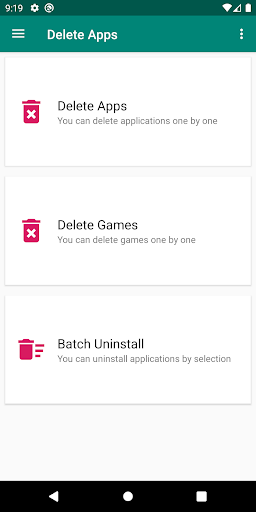
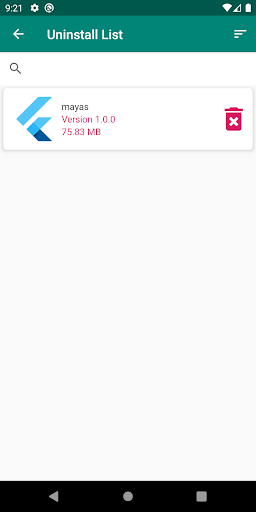
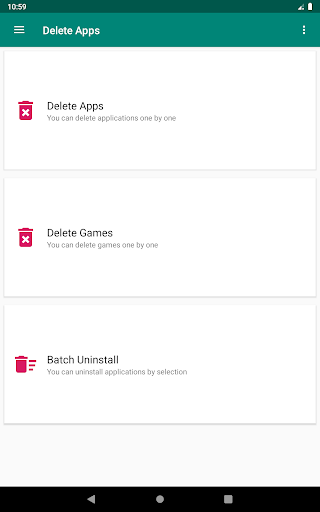
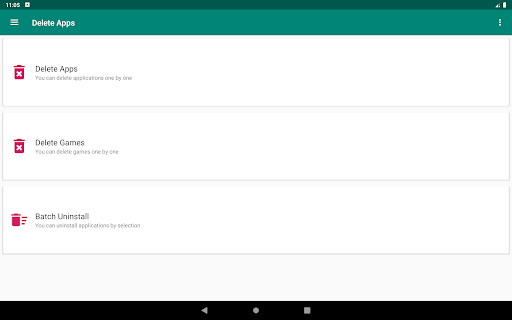
One-tap Uninstall Removes apps quickly with a single tap and minimal prompts. Streamlined flow cuts through clutter and gets storage back fast. 🗑️
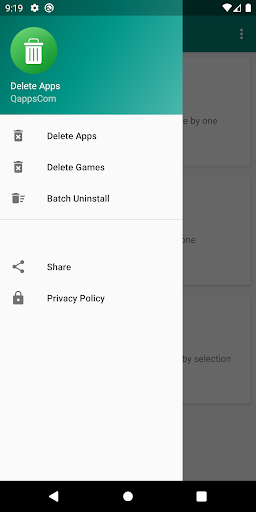
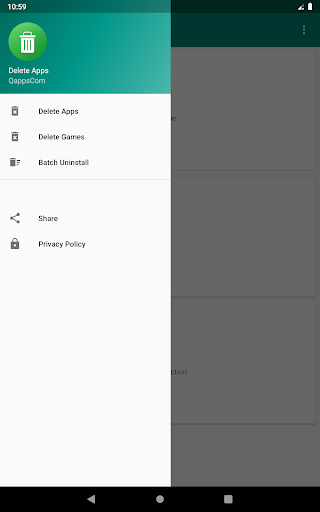
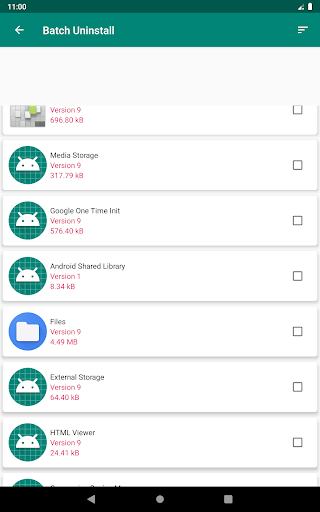
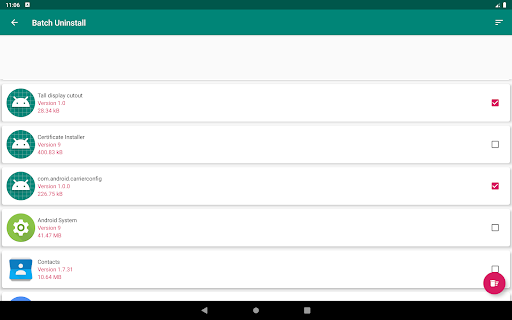
Batch Removal Select multiple apps for simultaneous uninstall to reclaim space quickly. Ideal for mass cleanup after testing or heavy installs. ⚡
Residual File Cleaner Scans and deletes leftover data after uninstall to free additional storage. Keeps storage tidy and reduces app fragments. 🧹
App Info and Storage Details Displays app size, permissions, and last used date for informed decisions. Quick links to app settings and Play Store included. 📊
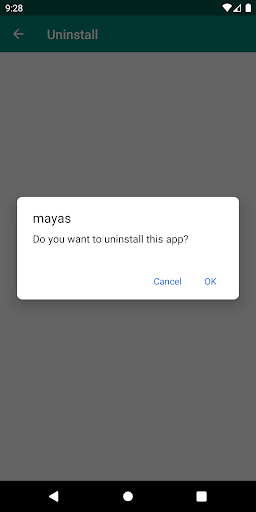
Secure Uninstall with System Warnings Warns before removing system or essential apps and explains risks. Helps prevent accidental removal of critical packages. 🔒
Pros
Fast Performance Uninstalls apps quickly with minimal lag and low memory footprint. Optimized for smooth operation on a wide range of devices. 🚀
User-friendly Interface Clean layout with clear actions makes uninstalling intuitive for all skill levels. On-screen guidance speeds up decision-making. ⏱
Effective Storage Recovery Removes apps and residual data to reclaim measurable space. Improves device responsiveness after cleanup. 💾
Selective Batch Control Enables granular selection and deselection in batch mode to avoid mistakes. Saves time compared to one-by-one removal. 🧩
Privacy-friendly Permissions Requests only necessary permissions to perform uninstalls and scanning. Data handling focuses on local operations rather than cloud syncing. 🔒
Cons
Ad-supported Free Version Free tier includes frequent ads that interrupt workflow unless upgraded. Ads may slow the process on older devices. ⚠️
In-app Purchases for Key Features Batch uninstall, residual cleaner, and ad removal may be locked behind paywalls. That pushes users toward Pro for full functionality. 💸
Cannot Remove System Apps without Root System or manufacturer apps often cannot be fully removed on non-rooted devices. Users must accept warnings or seek advanced methods. 🔐
Variable Compatibility on New OS Versions Some Android versions restrict uninstall APIs, causing occasional uninstall failures. App updates may be required for full compatibility. 🧾
Limited Residual Cleanup Depth The residual cleaner may not catch all app leftovers in protected directories. Full cleanup may require manual file manager actions. 📵
Prices
Free version is ad-supported with essential uninstall tools and basic cleanup features. One-time Pro unlock is typically around $3.99, while subscriptions start at $1.99/month or $9.99/year - download free to decide.