What is NETGEAR Nighthawk – WiFi Route
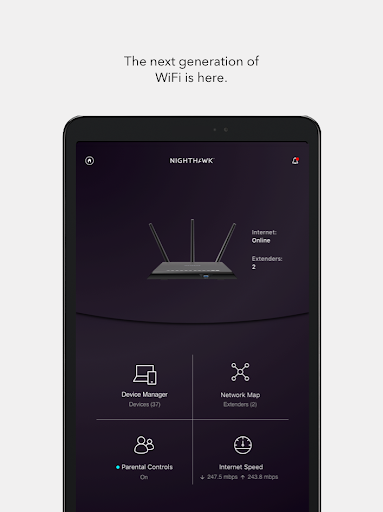
NETGEAR Nighthawk - WiFi Route delivers fast, clear router management for US users who want reliable home WiFi control and diagnostics. High-energy setup wizards and remote management tools accelerate optimization and troubleshooting. Download now to take control of WiFi performance and security.
Core Features
Quick Setup Guided onboarding walks through router detection, SSID creation, and initial security settings to get networks online fast. Auto-configuration reduces friction for standard home deployments. 🚀
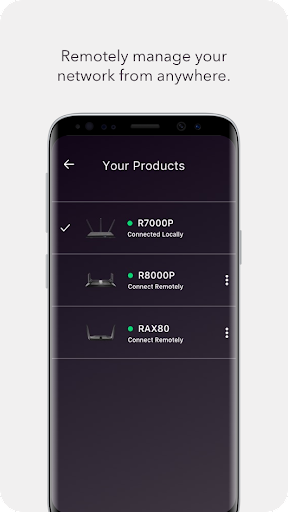
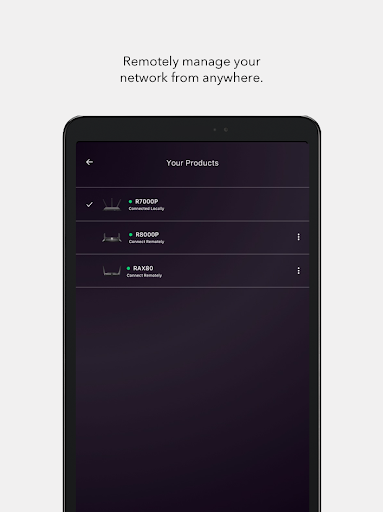
Remote Management Access router settings, reboot, and monitor devices from anywhere with secure remote connections. Changes sync immediately to the router for real-time control. 🌐
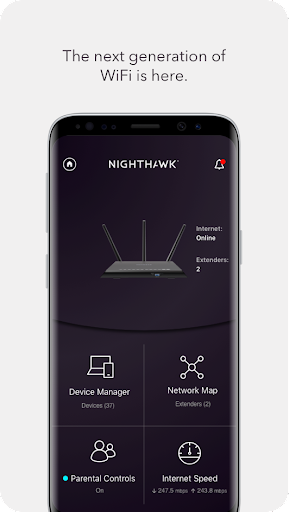
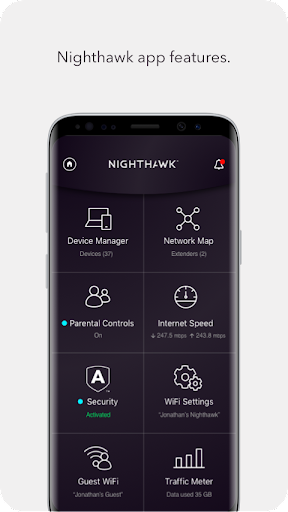
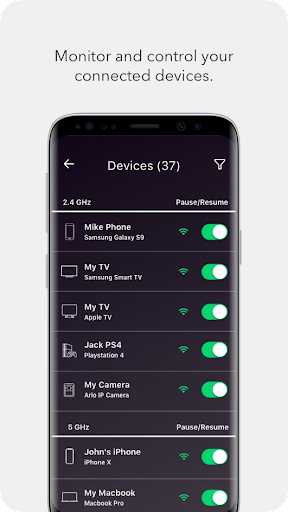
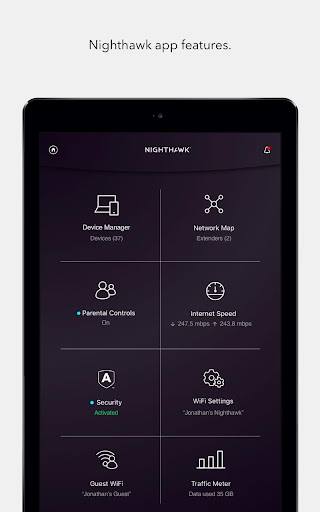
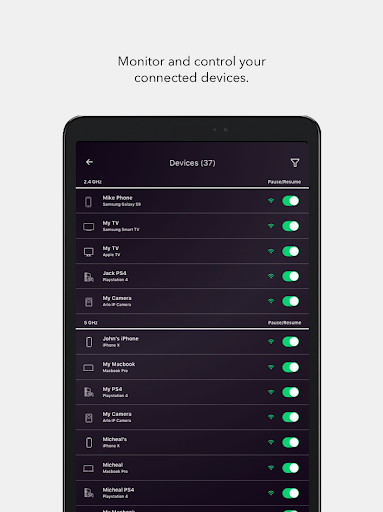
Device List & Parental Controls View all connected devices with names and data usage, then apply schedules or pause internet per device. Profile-based filters and time limits simplify family network management. 👪
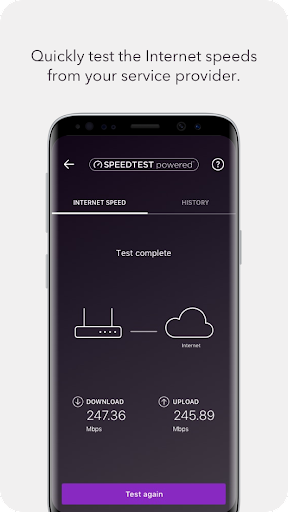
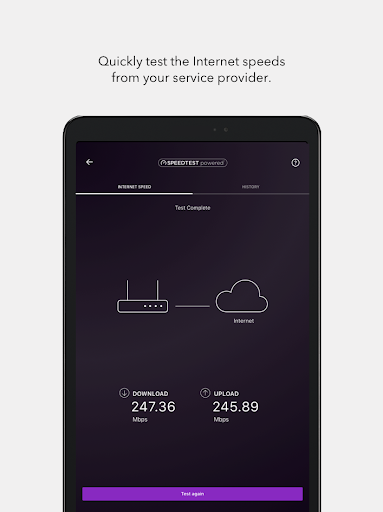
Speed Test & Diagnostics Built-in speed tests identify ISP performance and local bottlenecks with clear results. Diagnostic checks recommend channel or reboot actions to restore optimal throughput. 📶
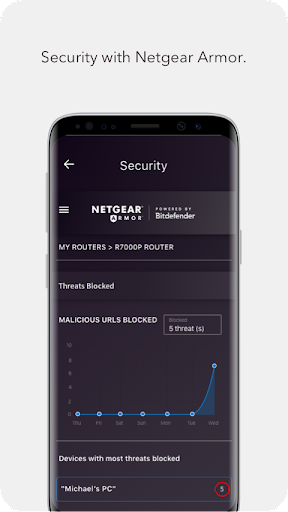
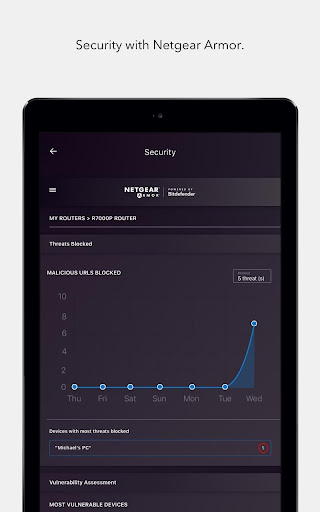
Security & Firmware Updates Automatic firmware update options and threat protection alerts keep the network hardened against vulnerabilities. Optional Armor subscription adds layered security for active threat defense. 🔒
Pros
Easy Setup and Onboarding Intuitive wizards and clear prompts make initial router configuration fast and approachable. Minimal technical knowledge is required to establish a stable WiFi network. ⭐
Comprehensive Remote Control Manage SSIDs, guest networks, and passwords from mobile devices without visiting the router. Remote reboot and firmware scheduling help maintain uptime. ⚡
Strong Parental Controls Scheduling and content filtering tools protect children across multiple devices with minimal setup. Device-level controls enable precise enforcement of family rules. 🛡
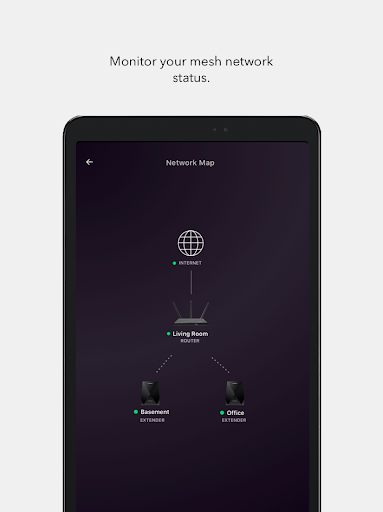
Performance Monitoring Real-time device lists and traffic charts provide transparent bandwidth usage and device behavior. Integrated speed tests validate ISP delivery on demand. 📈
Integration with Nighthawk Hardware App is optimized to unlock model-specific features on a wide range of NETGEAR Nighthawk routers. Firmware updates and vendor support improve compatibility and stability. 🔧
Cons
Hardware Requirement Full functionality requires a compatible NETGEAR Nighthawk router, limiting utility for other brands. Advanced features can be restricted to specific models. 📵
Subscription Costs for Full Security Netgear Armor provides comprehensive threat protection but requires a paid subscription for full capabilities. Recurring fees add up for multiple homes or long-term coverage. 💳
Occasional Connectivity Bugs Some users encounter intermittent app-to-router drops or sync delays during updates. Troubleshooting may require router restarts or temporary resets. ⚠️
Limited Advanced Settings Enterprise-level or deeply granular network settings may be absent compared with the router web UI or third-party firmware. Power users might need the web interface for full control. 🧩
Privacy Considerations Cloud management and diagnostics transmit device and network metadata off the local network for convenience. Review privacy settings and subscription terms before enabling full cloud features. 🔐
Prices
The app is free to download and includes core router management and monitoring tools at no charge. Optional Netgear Armor subscription costs about $7.99/month or $79.99/year, and compatible Nighthawk routers typically retail from about $100-$400. Check US retailers and NETGEAR promotions for current bundle deals and discounts.