











What is TurboTax: File Your Tax Return
TurboTax: File Your Tax Return delivers a fast, guided tax-filing experience built for US taxpayers who want a straightforward path to filing. Start with simple import options, follow clear interview-style prompts, and e-file securely to get refunds faster.Core Features
Guided Interview Clear, question-driven workflow walks through income, deductions, and credits step by step to reduce errors. New filers get context-sensitive help to understand each entry. 🧭
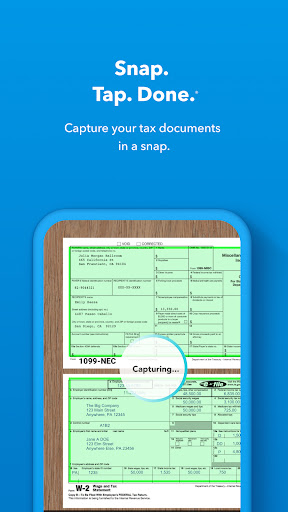
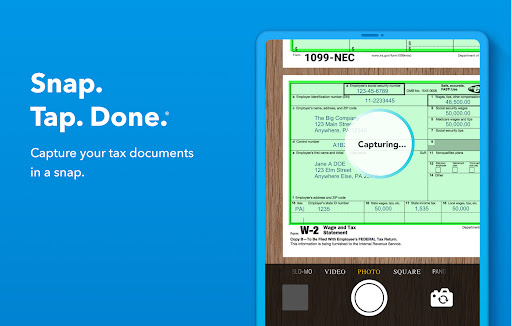
Auto Import W-2 and bank import tools pull in data from employers and financial institutions to save manual entry. Multiple integrations reduce typing and speed up filing. 🔁
Accuracy Guarantee Built-in error checks, audit risk meter, and refund accuracy guarantees provide confidence during preparation. Support options help verify calculations before filing. ✅
E-file & Direct Deposit Fast federal and state e-filing with direct deposit options speeds refunds and tracks filing status. Real-time status updates show IRS acceptance progress. ⚡
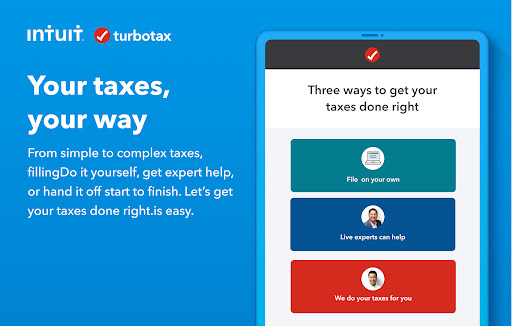
Live Expert Help On-demand CPA and EA review options provide personalized guidance and final review for complex returns. Live help is available as an add-on for step-by-step support. 🧑⚖️
Pros
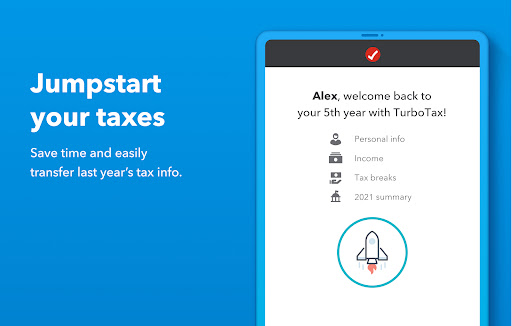
Fast Setup Quick account setup and import tools get basic returns ready in minutes, making last-minute filers happy. Streamlined flow reduces time to file. 🚀
User-Friendly Question-and-answer format translates tax jargon into plain language for approachable navigation. Built-in help links clarify common uncertainties. 📘
Secure Data Handling Industry-standard encryption and multi-factor authentication protect sensitive financial information during transmission and storage. Privacy controls and a clear policy outline data use. 🔒
Audit Support Access to audit defense and specialist guidance reduces anxiety if the IRS asks questions after filing. Options include document review and representation for additional fees. 🛡️
Max Refund Tools Deduction and credit finders scan entries to suggest commonly missed tax breaks and optimize refund potential. Smart calculators estimate outcomes before filing. 💸
Cons
Pricey Upgrades Free edition covers only the simplest federal returns while most filers need paid tiers to claim deductions and investments. Additional fees add up for state returns and advanced features. 💰
Aggressive Upselling In-app prompts frequently recommend upgrade paths and paid services, which can be distracting for budget-conscious filers. Careful navigation is required to avoid unnecessary purchases. ⛔
State Filing Fees State returns normally incur separate charges per state and can significantly increase total cost. Bundled promotions are rare outside specific offers. 📄
Premium Support Cost Live CPA reviews and full-service assistance come at a premium and may be priced higher than expected for complex returns. Extra fees apply for representation and extended services. ☎️
Privacy Tradeoffs Sensitive tax data must be shared with the IRS and stored by Intuit; while encrypted, some users may be uncomfortable with data retention and third-party integrations. Review the privacy policy before uploading documents. ⚠️
Prices
Basic federal filing is free for simple returns, but most filers will need paid tiers for deductions and investments. Typical federal prices range from about $59 for Deluxe to $119+ for Self-Employed, with Premier and TurboTax Live expert-assisted options above that. State returns are typically charged per state, usually around $49 to $54. Prices vary by promotions, filing complexity, and add-on services, so confirm totals before checkout.