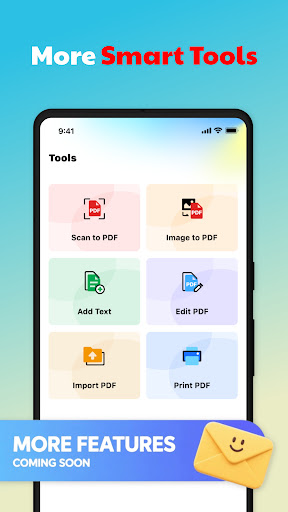
What is QuickDoc: PDF Reader Tools
QuickDoc: PDF Reader Tools delivers fast, feature-packed PDF handling for busy US users seeking speed and simplicity. Jump into instant viewing, editing, and sharing with a polished interface and power-user utilities that accelerate document workflows.Core Features
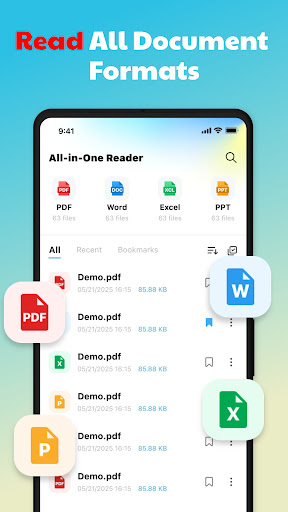
Fast PDF Viewing Loads large files quickly and supports smooth page scrubbing, thumbnails, and continuous scroll for instant access to content. Optimized rendering minimizes wait times and preserves battery life. 📄
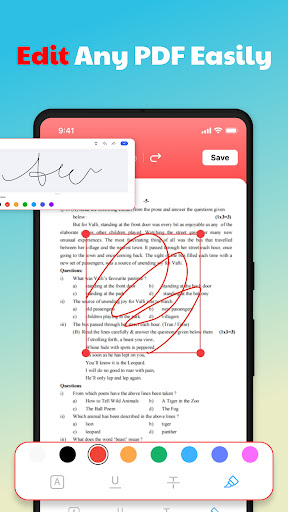
Annotation Suite Highlight, underline, freehand draw, and add shapes with a full annotation toolbar that stays out of the way until needed. Annotations are layered, exportable, and compatible with common collaboration workflows. ✍️
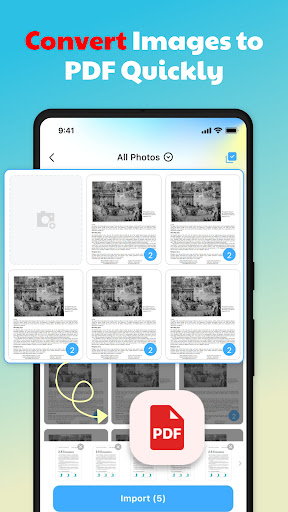
Text Search & Extraction Global full-text search finds words across multi-page documents and selectable text can be extracted for notes or exporting. Built-in OCR processes scanned pages and offers batch recognition for multi-page jobs. 🔍
Cloud Sync & Export Connect to iCloud, Google Drive, and Dropbox for seamless document access across devices and quick export to PDF or PDF-to-Word formats. Sharing options include secure links and email with adjustable permissions. ☁️
Form Fill & Sign Fill interactive forms, add signatures with finger or stylus, and flatten fields for secure distribution. Supports certificate-based signatures and common form templates for professional use. 🖊️
Pros
Speed and Reliability Quick rendering and stable performance make it easy to power through large documents without lag. Ideal for tight schedules and high-volume readers. ⚡
Intuitive Interface Clean layout and context-aware tools reduce the learning curve and speed up routine tasks for all skill levels. Menus focus on the most-used features for faster access. 🧭
Robust Annotation Tools Comprehensive markup options, comment export, and layering support collaborative editing and revision tracking. Annotations remain editable until explicitly flattened. ✒️
Offline Access Downloaded files and annotations are available without an internet connection and sync automatically when back online. Reliable for travel and field work. 📶
Accessibility Features Text-to-speech, adjustable font sizes, and high-contrast mode improve readability for a wide range of users. Accessibility settings follow common platform conventions for easy setup. ♿
Cons
Ads in Free Tier The free version includes banner ads that can interrupt reading and occasionally promote the upgrade during sessions. This may frustrate heavy users who prefer an ad-free experience. ⚠️
OCR Accuracy Limits OCR performs well on clean, high-resolution scans but can struggle with low-quality images or complex layouts, leading to extraction errors. Manual correction may be required for critical documents. 🧾
Cost for Power Users Advanced features like unlimited OCR and premium exports require a Pro subscription that could feel pricey compared with some competitors. Casual users should evaluate needs before upgrading. 💸
Occasional Syncing Delays Large sync queues or slow network connections can delay cloud updates and require manual refreshes for the latest version. Time-sensitive collaboration may see occasional lag. 🔁
Data Privacy Nuances Cloud sync is optional but certain analytics and third-party integrations may be enabled by default; reviewing privacy settings is recommended to limit data sharing. Sensitive documents should use local storage or encrypted exports. 🔒
Prices
The app offers a free tier with basic viewing, annotations, and ad-supported use to get started. Pro subscription unlocks advanced OCR, unlimited cloud sync, premium export options, and removes ads for $4.99 per month or $29.99 per year, often with a 7-day free trial. A one-time lifetime upgrade is typically available for around $59.99 for users who prefer a single purchase. Enterprise and volume licensing options are available through support for custom pricing and deployment.