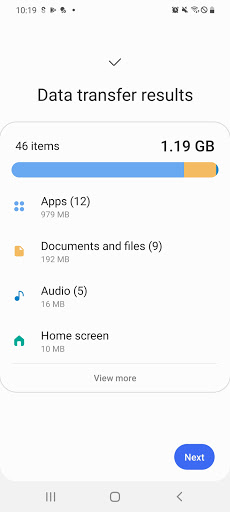
What is Samsung Smart Switch Mobile
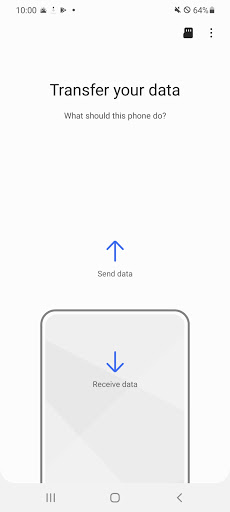
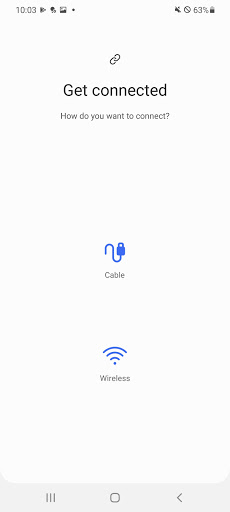
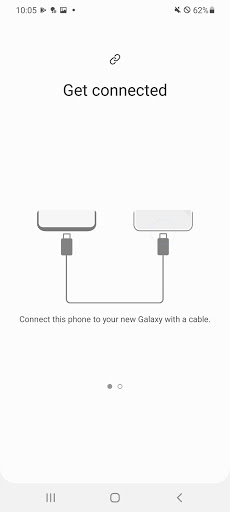
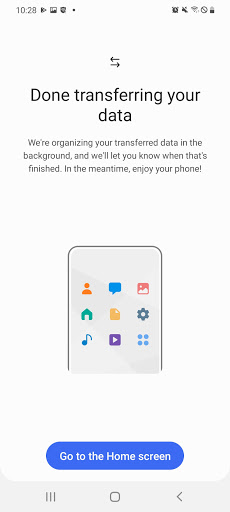
Switch to a new Samsung phone fast with Samsung Smart Switch Mobile; designed to migrate contacts, photos, messages, and settings with minimal hassle. Move data from most Android and iOS devices in just a few taps or via cable for an even faster transfer. Download now and hit the ground running.
Core Features
Easy Device-to-Device Transfer Transfers data directly between phones using Wi-Fi Direct or a USB cable. Supports contacts, messages, photos, call logs, calendars, and device settings. 📱
Wide Compatibility Works with many Android and iOS devices to move data into Samsung phones smoothly. Includes automatic app matching for available Play Store equivalents. 🔄
PC and Mac Backup Option Offers desktop backup and restore through Smart Switch for PC/Mac for a local backup alternative. Allows large data transfers and recovery without cloud dependency. 💾
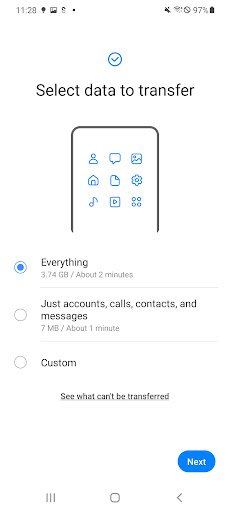
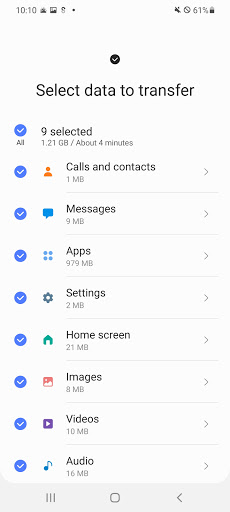
Selective Transfer and Preview Choose which content to move with a preview screen before transfer. Saves time by skipping unwanted files and protecting storage space. 🔍
Secure and Offline Transfers Transfers happen locally to limit exposure to the internet and reduce data charges. Encryption and permission prompts protect sensitive information during the move. 🔒
Pros
Fast Setup and Speed Quick connection process and fast transfer speeds for most data sets. Ideal for users upgrading phones and short on time. 🚀
Free to Use No download fees or subscription required for the app itself. Saves money compared to some paid migration services. 💸
Preserves App Data and Layouts Attempts to migrate app data and home screen layout where supported. Reduces time spent reconfiguring a new phone. 🧩
Reliable Offline Mode Functions without internet for direct transfers, minimizing data usage. Great for privacy-conscious and travel scenarios. 🛡
Broad File Type Support Handles photos, videos, contacts, messages, call logs, calendars, and device settings. Covers most essentials for daily users. 📂
Cons
Limited iOS App Transfers Cannot move some iOS app data or apps that are restricted to the App Store. Requires re-downloading and re-authenticating certain services after transfer. 🍎
App Compatibility Gaps Certain third-party apps may not transfer data due to licensing or platform differences. Manual setup may be required for specialized apps. ⚠️
Large Transfers Can Be Time-Consuming Very large photo and video libraries may take significant time to transfer, especially over Wi-Fi. Consider using a cable or desktop backup for faster results. ⏳
Requires Permissions and Access Full transfers need granted permissions and sometimes physical connection via USB-OTG hardware. Users unfamiliar with permissions may need guidance to complete the process. 🔌
Limited Cross-Brand Feature Parity Some Samsung-specific settings or features may not map perfectly from non-Samsung phones. Expect minor discrepancies in themes or proprietary tweaks. 🧭
Prices
Samsung Smart Switch Mobile is free to download and use with no subscription fees for transfers. Optional costs may include purchasing a USB-OTG cable or paying for third-party cloud storage if desktop or cloud backups are preferred.