
What is Sherwin-Williams PRO+
Sherwin-Williams PRO+ delivers professional paint tools and fast workflows for contractors and serious DIYers across the US. Download now to visualize colors, create estimates, and access PRO pricing for next-day pickups.
Core Features
Color matching and AR visualizer Advanced color-matching technology and an augmented reality visualizer make palette selection fast and reliable. Live camera previews and photo uploads help confirm choices on real surfaces. 🎨
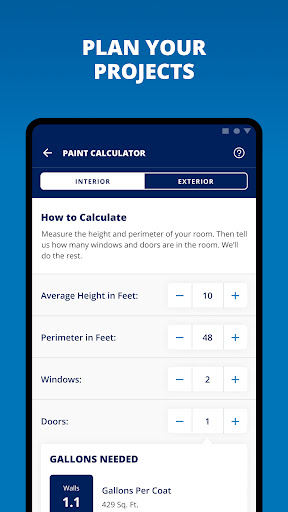
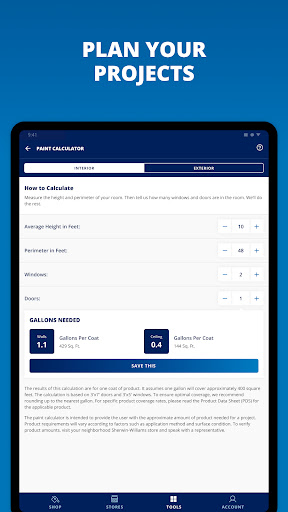
Project estimating and calculators Built-in calculators handle square footage, coverage, and material estimates to reduce guesswork on bids. Exportable estimates streamline client proposals and materials lists. 🧮
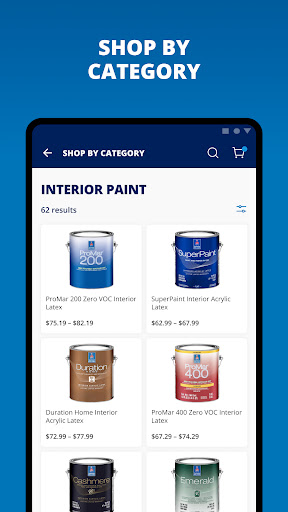
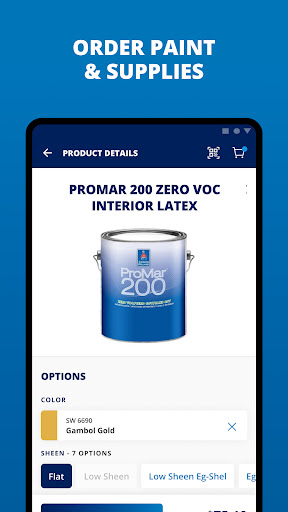
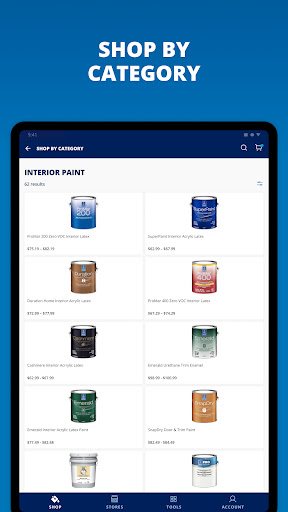
Product catalog and technical data Complete Sherwin-Williams product catalog with technical data sheets and VOC info helps select the right product for the job. Filter by finish, drying time, and surface type for precise recommendations. 📘
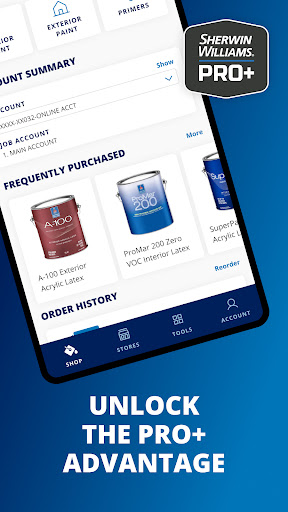
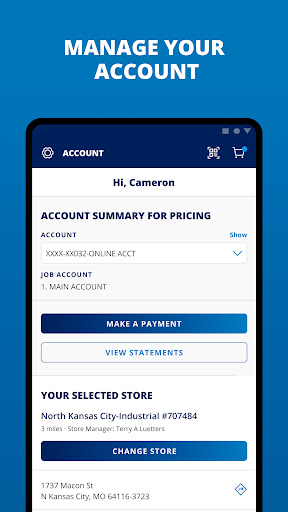
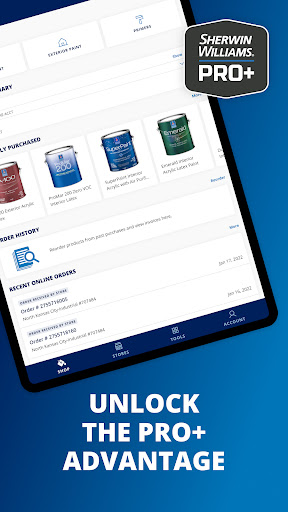
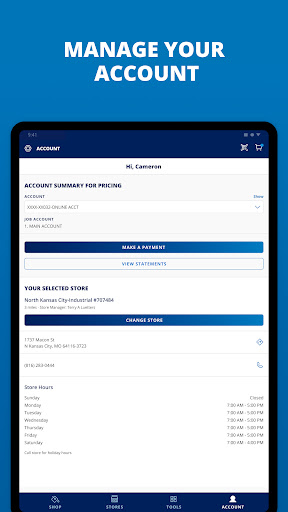
PRO+ account and loyalty integration PRO+ account access shows professional discounts, purchase history, and job pricing in one place. Loyalty perks, order tracking, and special pricing help manage business spend. 💳
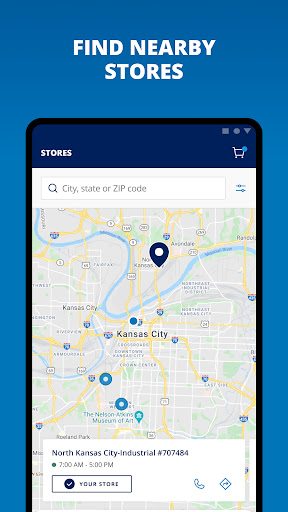
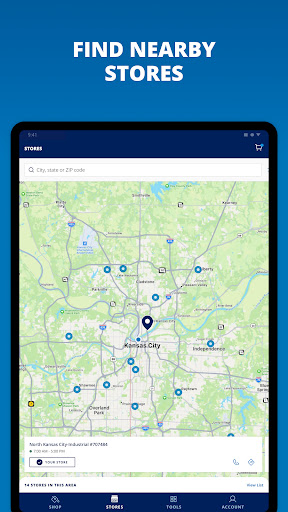
Store locator and order pickup Integrated store locator shows local PRO stores, inventory status, and curbside pickup options for fast fulfillment. Place orders for same-day pickup or delivery depending on stock. 🏬
Pros
Fast color selection and visualization Rapid AR previews and organized palettes speed decision-making on the jobsite. Saves time compared to physical swatch hunting and in-store testing. 🚀
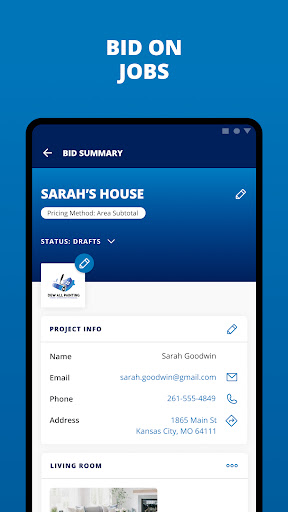
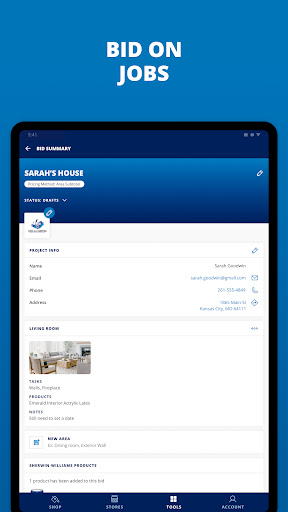
Tools built for professionals Industry-grade calculators and exportable estimates support accurate bids and proposals. Reduces manual errors and streamlines workflows. ⚡
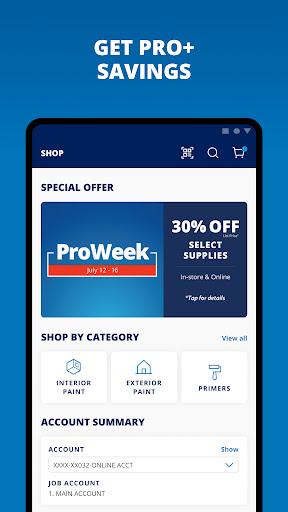
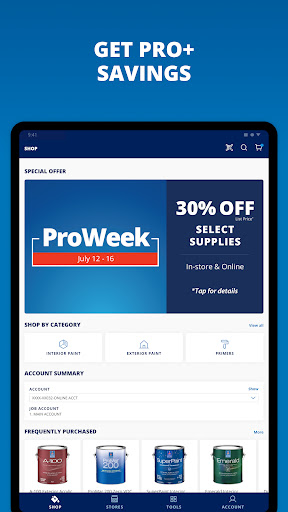
Real savings with PRO pricing Access to PRO discounts and tracked offers can lower material costs for frequent buyers. Digital pricing and volume discounts simplify budgeting. 💸
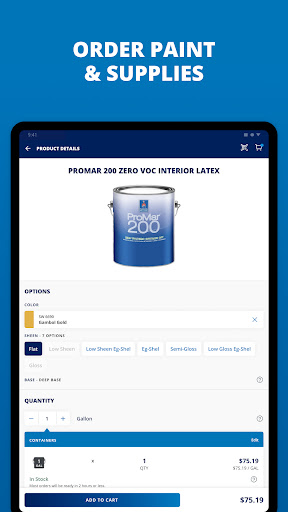
Seamless ordering and fulfillment Place orders from the app with pickup or delivery options to match project schedules. Inventory visibility reduces downtime waiting for materials. ⏱️
Secure account and purchase tracking Account controls provide clear purchase histories and access management for teams. Audit trails aid in bookkeeping and project reconciliation. 🔒
Cons
Subscription costs for advanced features Some advanced project management and estimating features require a paid subscription, adding ongoing costs for small shops. Budget planning is necessary to justify the expense. 💰
Performance varies by device Older phones and tablets may struggle with AR features and large project files. Hardware limitations can reduce app responsiveness on-site. 📱
Color accuracy can be inconsistent Camera quality and ambient lighting affect on-screen color previews versus final paint results. Physical swatches remain recommended for critical color matches. 📸
Setup and learning curve Advanced estimating templates and integrations require initial setup and training to use effectively. Teams should plan a short onboarding period to get full value. 🧠
Account and data considerations Account creation is required and the app collects usage data to personalize offers and improve services. Review privacy settings and data-sharing terms before syncing sensitive business information. 🧩
Prices
Free to download with core features available at no charge, including color visualization and basic product browsing. Optional PRO subscription unlocks advanced estimating, project syncing, and ad-free workflows for about $9.99 per month or $99 per year, with enterprise pricing available for larger contractor accounts.