
What is UPS
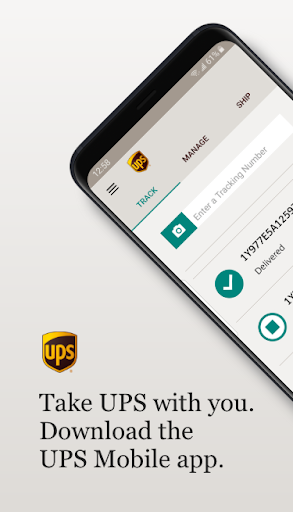
Get fast, on-the-go shipping and tracking with UPS Mobile, built for Americans who move packages often. Download now to track deliveries, schedule pickups, and streamline shipping with powerful mobile tools.
Core Features
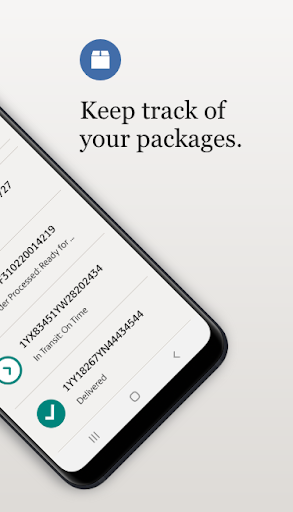
Shipment Tracking Real-time tracking with detailed status updates and estimated delivery times keeps packages visible from pickup to delivery. Push notifications alert customers to changes and delivery attempts.📦
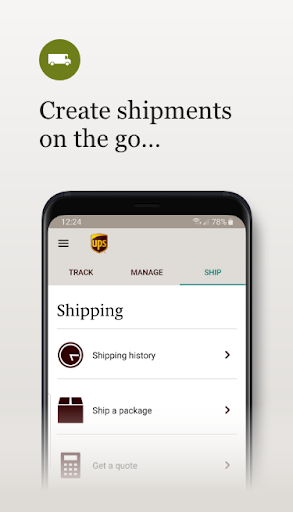
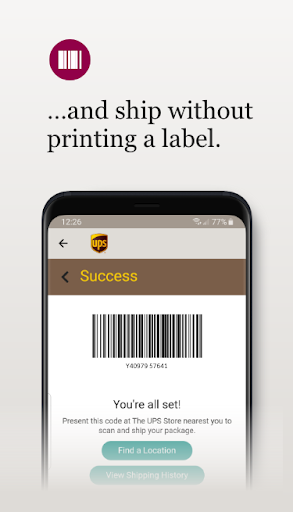
Label Creation and Pickup Scheduling Create and print shipping labels or schedule pickups directly in the app to save trips and speed processing. Pickup confirmations and options simplify routine shipping workflows.🏷️
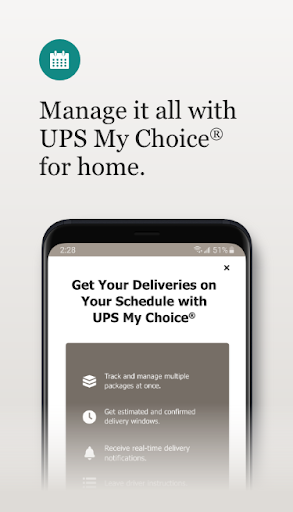
Delivery Controls and Alerts Manage signature options, hold-for-pickup, and delivery instructions to reroute or protect packages when available. Alerts include delivery windows and photo confirmation for added assurance.🔔
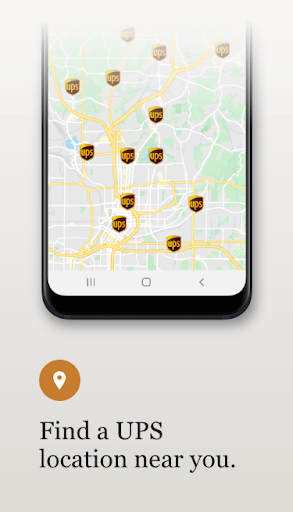
Store Locator and Drop-off Finder Find UPS stores, access points, and drop-off locations with hours and directions for quick planing. Integrated map links enable fast navigation to the nearest center.📍
Rate Estimator and Shipment History Compare service levels and estimate shipping costs on the move while viewing past shipments and receipts for expense tracking. Saved profiles and templates speed repeat shipments and billing reconciliation.🧾
Pros
Speed and Convenience Quick sign-in and saved address functionality make repeat shipping fast and efficient. Mobile label creation and pickup scheduling cut trips to the store.⚡
Detailed Tracking Precise updates, delivery windows, and photo evidence reduce uncertainty for senders and recipients. Push notifications keep all parties informed in real time.📲
All-in-One Toolset Combines rate estimates, label printing, pickup scheduling, and account billing in one app to streamline shipping tasks. Integration with UPS accounts supports business workflows.🧰
Nationwide Coverage Leverages UPS's extensive US network for reliable delivery options across urban and rural areas. Multiple delivery choices increase flexibility for busy schedules.🇺🇸
Security and Permission Controls Account authentication and notification settings help secure shipments and manage location access. Data usage aligns with standard carrier practices for delivery and account management.🔒
Cons
Account Requirement Many features require a UPS account and additional verification for business billing, which adds setup steps. Full functionality is limited until account details are completed.⚠️
Location and Data Sharing Advanced delivery features need location and address permissions that may raise privacy concerns for some users. Disabling permissions reduces convenience but limits data exposure.📡
Limited International Support Complex customs processing and certain international tools are easier to manage on the desktop website than in the app. Commercial international shippers may need web access or backend support.🌍
Notification Overload Frequent tracking updates can generate many push notifications during busy periods and major shipping events. Notification controls exist but defaults can feel excessive.🔕
Support Response Times In high-volume periods, resolving complex shipping issues or claims may require phone or web escalation rather than instant in-app resolution. Some problems take longer to resolve.🐌
Prices
Free to download and use for basic tracking and account management; standard UPS shipping, pickup, and delivery fees apply per service level and shipment. Optional services such as insurance, signature-required delivery, and certain UPS My Choice features may incur separate charges; check UPS rate pages or account billing for exact costs.