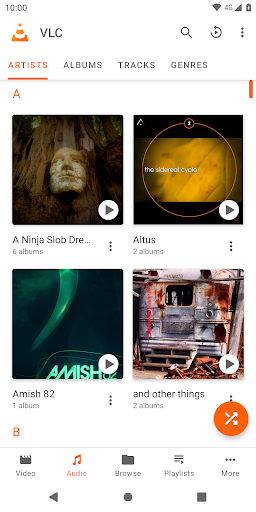
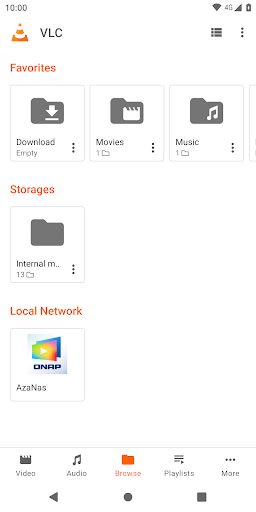
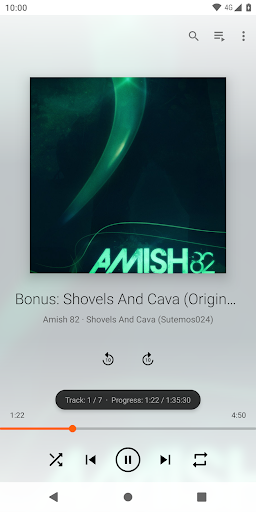
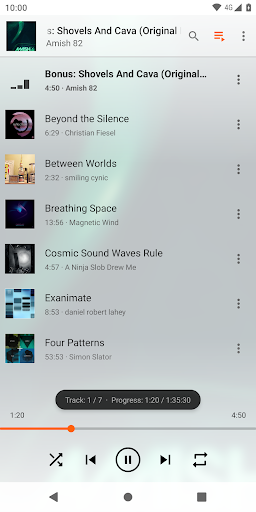
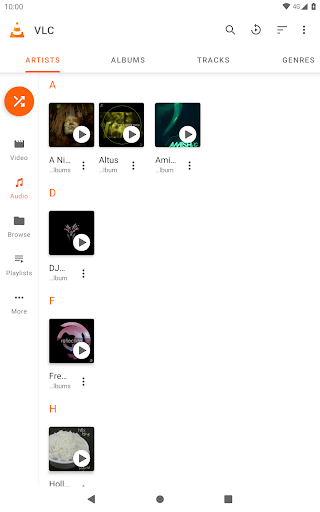
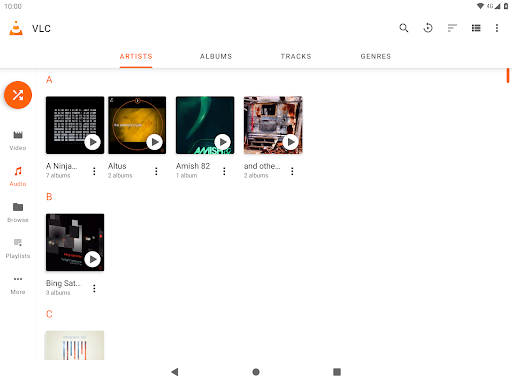
What is VLC for Android
VLC for Android brings a powerful, no-nonsense media player to mobile devices with broad format support and reliable playback. Perfect for on-device files and network streams alike, it's fast, ad-free, and ready to play. Tap download and start playing everything now.Core Features
subtitle1 Handles almost every audio and video format without extra codecs, including MKV, MP4, AVI, FLAC, and more. Playback is reliable across files of varying resolutions and bitrates. ▶️
subtitle2 Hardware-accelerated decoding boosts performance on supported devices and reduces stutter for high-res files. Expect smoother playback with lower CPU load on many Android phones and tablets. ⚡
subtitle3 Full subtitle handling with external SRT loading, embedded tracks, and on-screen timing controls. Multiple audio track switching and delay adjustment make multilingual playback easy. 🎯
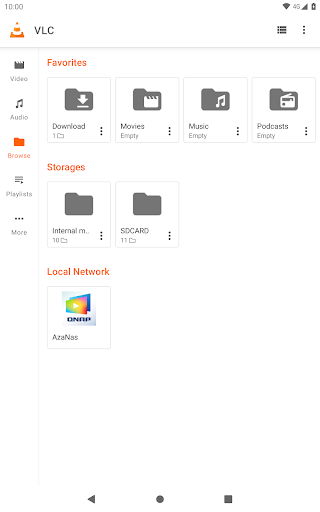
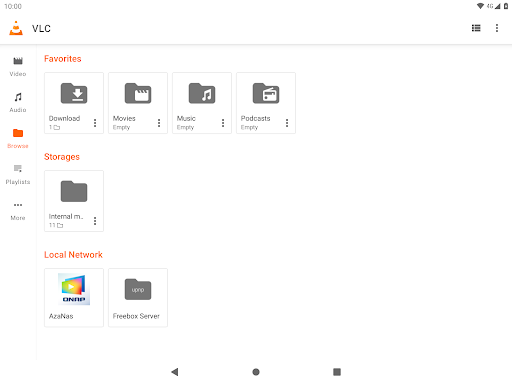
subtitle4 Play from SMB, FTP, UPnP/DLNA shares, and network streams with simple URL input. Built-in network discovery and direct streaming keep content flowing from home servers and NAS devices. 🌐
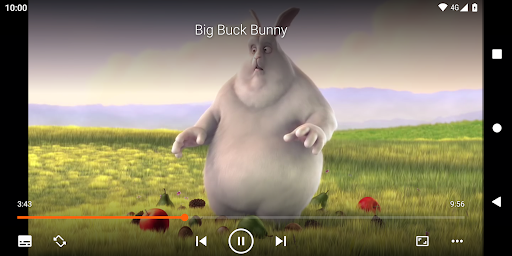
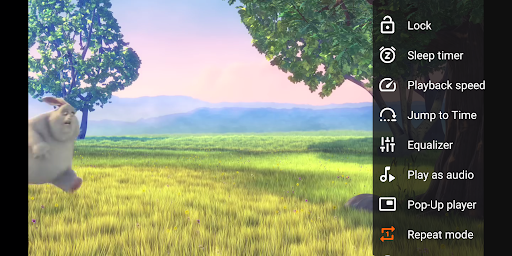
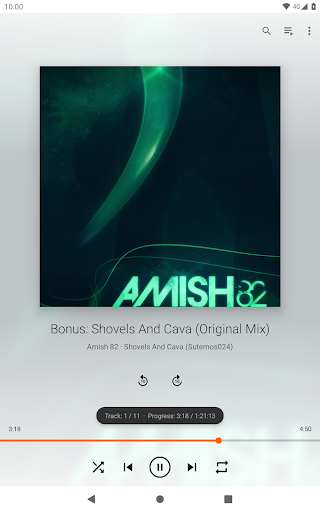
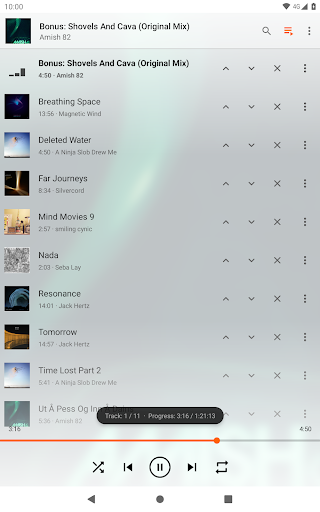
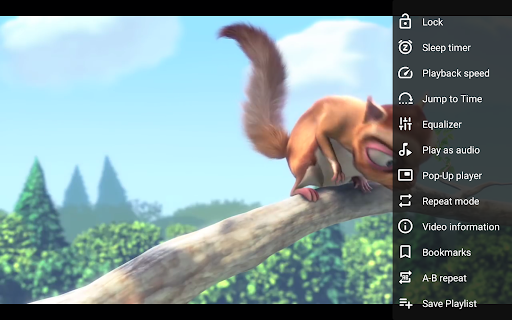
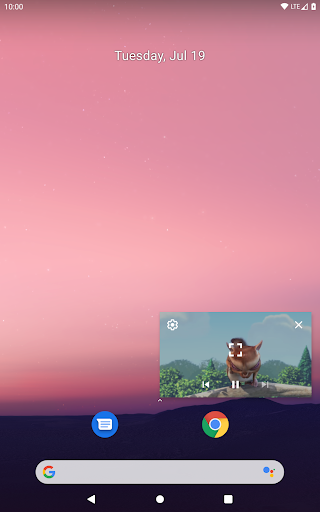
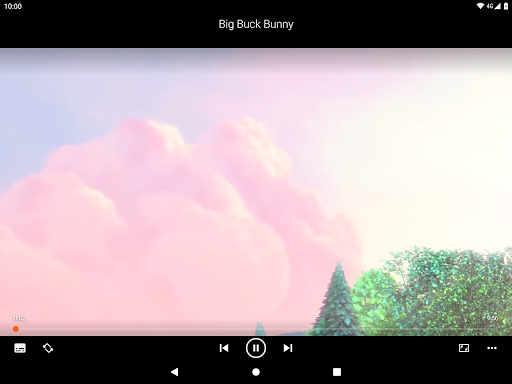
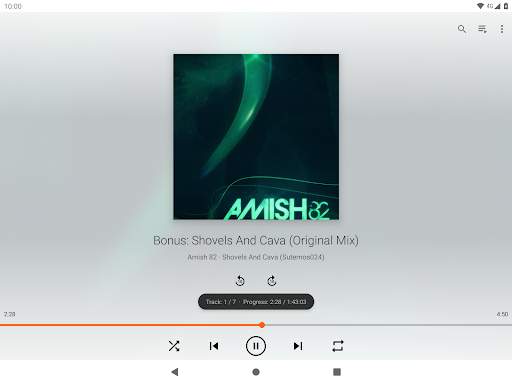
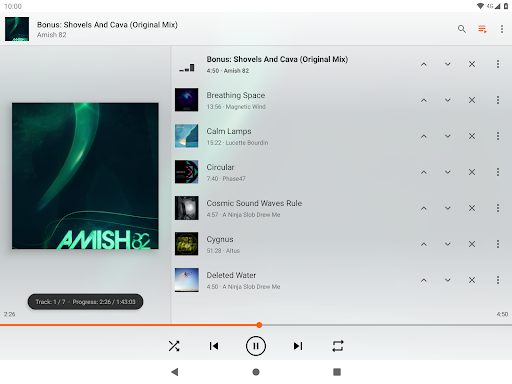
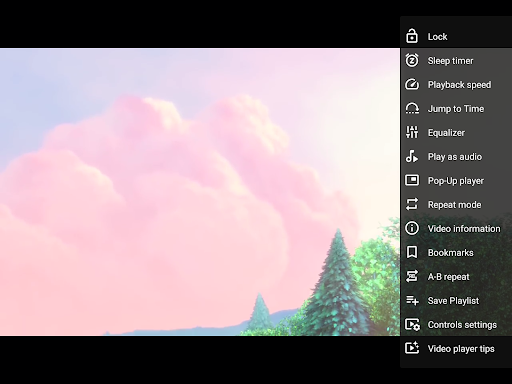
subtitle5 Playback speed control, gesture-based seeking, and an integrated equalizer let users tune playback on the fly. Includes lock screen controls and widgets for quick access. 🎛️
Pros
subtitle1 Completely free with open-source code and no paywall, making it a safe choice for budget-conscious users. Regular community updates keep it secure and transparent. 🆓
subtitle2 No ads interrupt playback or menus, delivering a clean, uninterrupted viewing experience. This keeps the interface fast and distraction-free. ✅
subtitle3 Handles rare and legacy codecs without extra downloads, so files play out of the box across devices. Saves time and avoids codec hunting. 🎬
subtitle4 Built-in subtitle search, syncing tools, and multi-audio track switching make the app flexible for international content. These features are essential for power users and casual viewers alike. 🔤
subtitle5 Optimized for performance with hardware acceleration and efficient battery use on many devices. Great for older phones that need a lightweight player. ⚙️
Cons
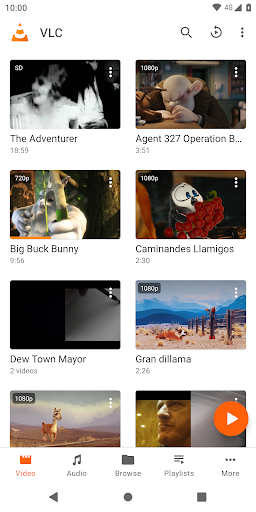
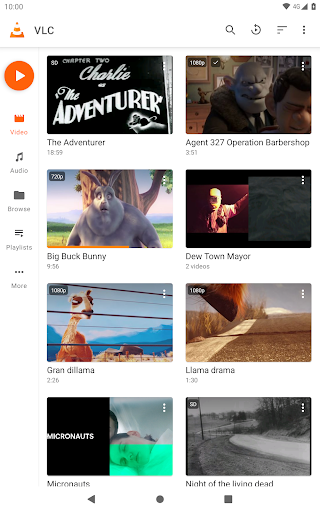
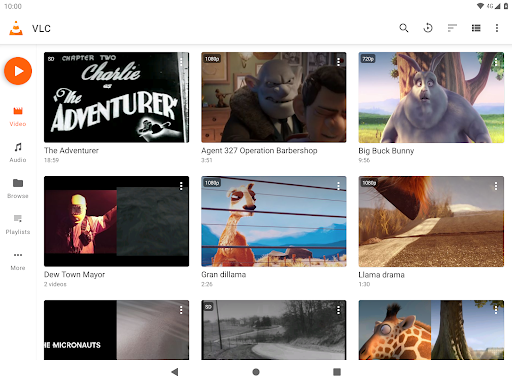
subtitle1 The UI is functional but feels dated compared with modern streaming apps, which may confuse new users. Navigation relies on legacy menus rather than contemporary design patterns. 📱
subtitle2 No native integration for major cloud providers; manual download or third-party mounts are required for cloud-stored media. This adds steps for users who stream directly from services like Google Drive. ☁️
subtitle3 Network streaming and DLNA setup may require familiarity with SMB paths, ports, and server settings. Casual users might need help configuring advanced sources. 🔧
subtitle4 Rare files or DRM-protected content may not play, and some codec edge cases need workarounds. Expect occasional need for conversion with protected or damaged files. ⚠️
subtitle5 No paid tier removes premium support or cloud perks that some users expect from commercial players. Support relies on community forums and documentation. 🧭
Prices
Completely free to download and use with no ads and no in-app purchases, VLC is open-source under the GPL license. Donations to VideoLAN are optional for users who want to support continued development. Available on Google Play and F-Droid for different privacy preferences; download now.