What is All Documents Reader:PDF/Word
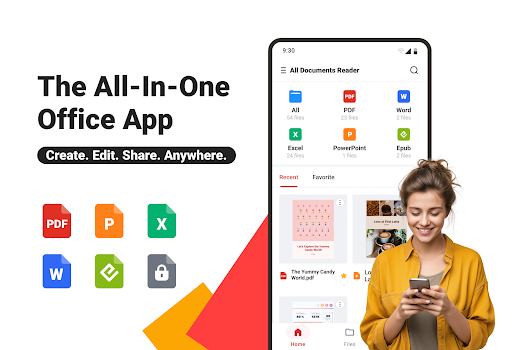
All Documents Reader:PDF/Word delivers fast access to PDFs, Word docs, and other common file types with a clean, action-oriented interface. Download now to read, annotate, and share files quickly on mobile or tablet.Core Features
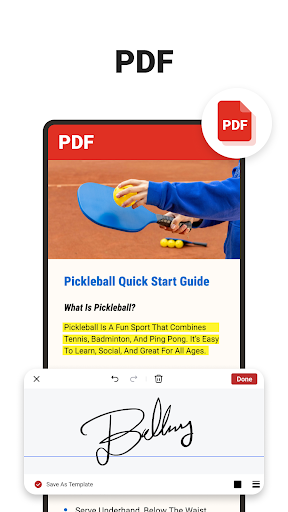
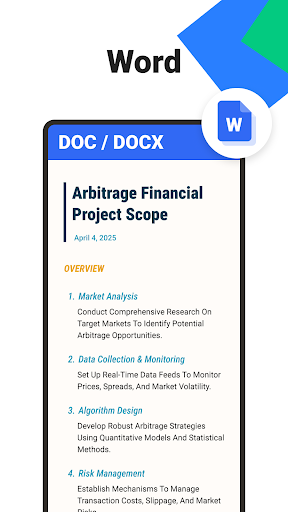
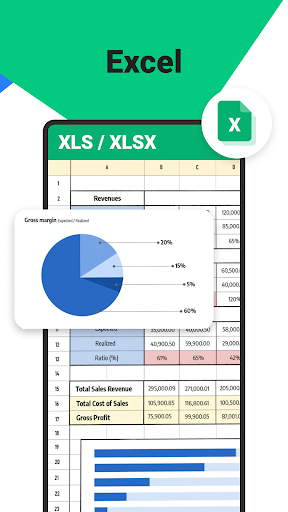
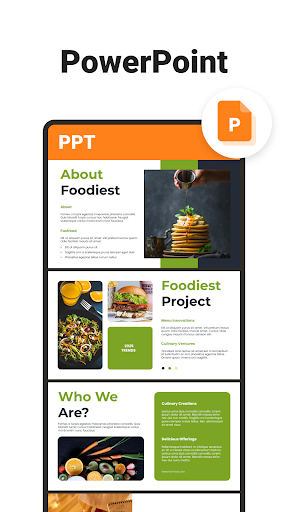
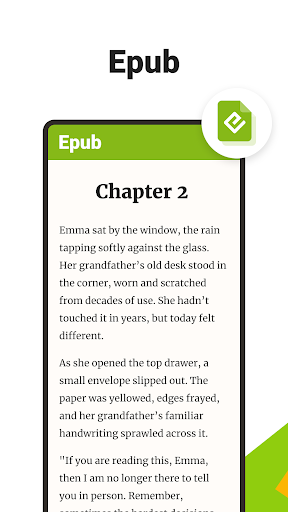
Universal File Support Opens PDFs, DOCX, TXT, PPT, and many compressed formats with accurate rendering and layout preservation. Perfect for mixed-format workflows and quick previews. 📄
High-Speed Rendering Pages load quickly even for large documents thanks to optimized rendering and background caching. Smooth scrolling keeps productivity high on the move. ⚡
Annotation and Editing Add highlights, comments, signatures, and basic edits directly inside documents for fast collaboration and review cycles. Annotation tools sync with saved files for easy retrieval. ✍️
Cloud Integration Connect to major cloud drives for seamless import and export, with one-tap sharing links and email attachments. Sync preferences and recent files across devices. ☁️
Security and Offline Access Store files locally for offline viewing and protect sensitive documents with optional passcode access and file encryption. Designed to keep important content available without constant connectivity. 🔒
Pros
Wide Format Compatibility Handles a broad array of file types so fewer apps are needed for different document needs. Saves time switching between tools. ✅
Fast and Responsive Optimized for performance on modern devices to reduce load times and improve navigation. Ideal for high-volume reading sessions. 🚀
Robust Annotation Set Rich markup options including highlights, notes, stamps, and signatures enable effective collaboration and review. Export annotations with files for sharing. 🔍
Cloud and Sharing Tools Built-in connectivity to popular cloud services plus direct sharing simplifies distribution. Works well for remote teams and mobile workflows. 🖊️
Free Tier Available A functional free version covers basic reading and annotation needs, making it easy to try before upgrading. Good for casual users and light office tasks. 🎯
Cons
Ads in Free Version The free tier displays ads that can interrupt reading and annotations; persistent banners are present in some views. Upgrading removes ads but costs extra. 🪪
Subscription Upsell Advanced features like OCR, batch conversion, and premium cloud sync require a paid subscription, which may be costly for occasional users. Pricing tiers can be confusing at first glance. 💸
Occasional Stability Issues Some users report rare crashes with extremely large files or heavy annotation layers, requiring app restart to recover. Most sessions are stable but performance varies by device. 🔧
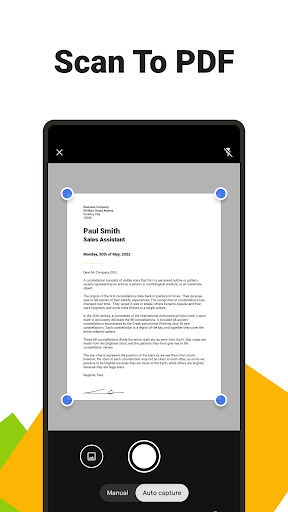
OCR Accuracy Limits Built-in OCR works for common fonts and clear scans but struggles with handwritten notes and low-quality images. Results may require manual correction. 📷
Permission Requirements App requests storage and network access to enable cloud sync and sharing, which may concern privacy-focused users. Read permission prompts carefully before enabling syncing. 👀
Prices
Free version with ads covers basic reading, annotation, and cloud connections for casual use. Premium subscription unlocks OCR, batch operations, advanced cloud sync, and removes ads; typical pricing runs around $4.99/month or $29.99/year with occasional promotional discounts. A short free trial is commonly offered so features can be tested before purchase.