
What is Duke Energy
Duke Energy puts account control, outage alerts, and bill payments into a single high-performance app for U.S. customers. Download now to speed through payments, track usage, and get real-time outage updates.
Core Features
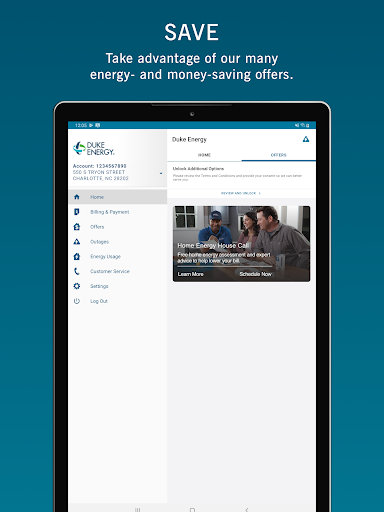
Account management Access all service addresses, view balances, and update profile details quickly. Switch between accounts and manage service preferences without a desktop login. 📲
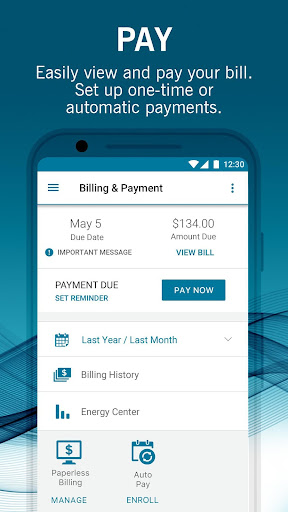
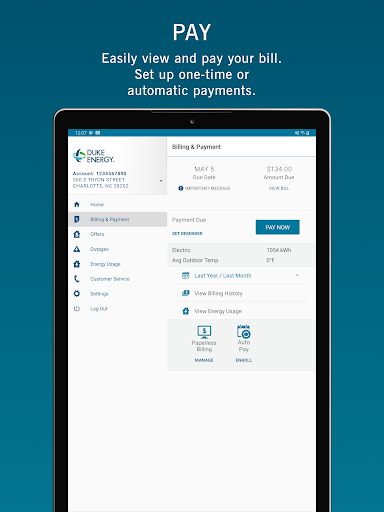
Bill pay & autopay Pay bills instantly, schedule autopay, and store payment methods for faster checkout. Track payment history and receive confirmations after every transaction. 💳
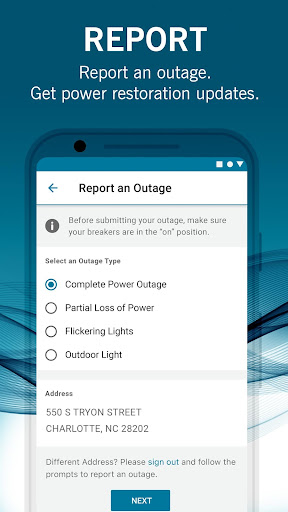
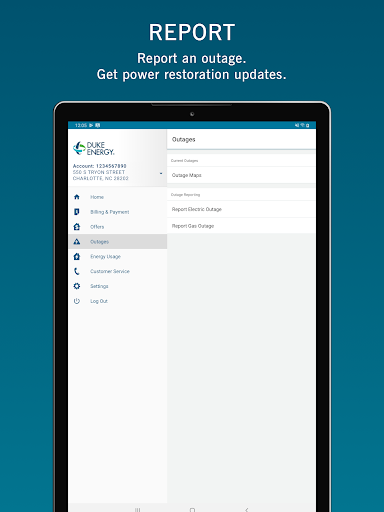
Outage reporting & map Report outages and view an interactive map with estimated restoration times. Receive status updates as crews progress on repairs in the service area. 🗺️
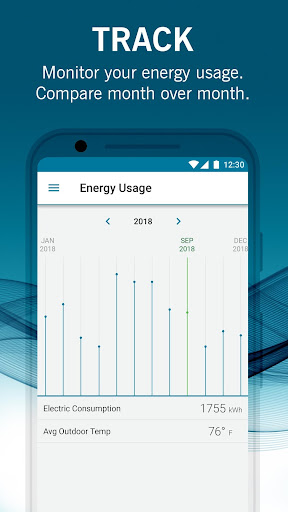
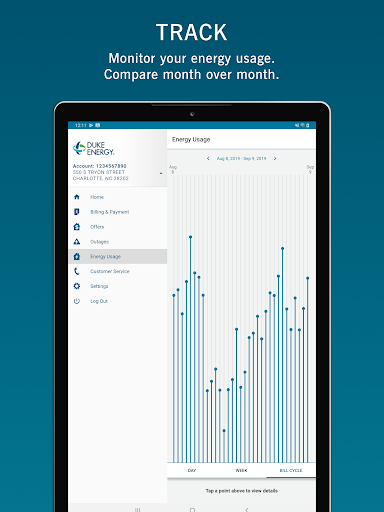
Energy usage tracking View daily, monthly, and yearly usage trends and compare to past periods. Spot high-use days and get tips to reduce consumption. 📈
Alerts and notifications Get real-time outage alerts, payment reminders, and usage warnings to stay informed. Customize notification preferences to match communication needs. 🔔
Pros
Fast bill payments Streamlined checkout reduces time to complete a payment and supports saved methods. Receipts and confirmations are delivered instantly for peace of mind. ✅
Real-time outage updates Live maps and status posts keep customers informed during outages and restorations. Push alerts minimize surprise outages and provide estimated restoration windows. ⚡
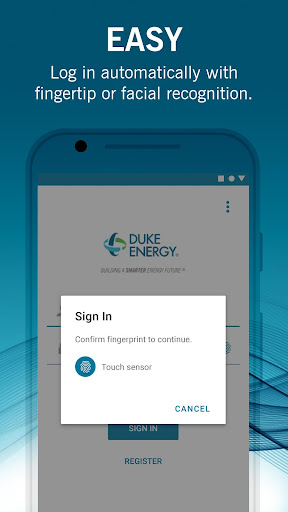
Secure access and payments Multi-factor authentication and encrypted transactions protect account data. Saved payment methods use industry-standard security protocols for safe checkout. 🔒
Usage insights Interactive charts make it easy to identify patterns and opportunities to save energy. Comparison tools help benchmark usage against previous periods. 📊
Multiple payment options Accepts bank transfer, debit, credit, and some third-party providers to fit different preferences. Auto-pay options reduce late fees and simplify budgeting. 💵
Cons
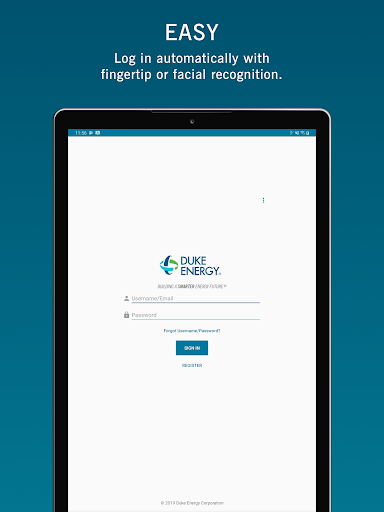
Occasional login issues Some users report intermittent sign-in errors after password changes or app updates. Clearing cache or re-authenticating may be required to restore access. ⚠️
Limited live support hours In-app support links can route to limited customer service hours for certain requests. Emergency outage response is prompt, but account issues may require weekday support. 🕒
Complex navigation for advanced features Deeper settings and detailed usage tools can be buried behind menus for newcomers. Finding specific reports or settings may take extra taps. 🧭
Paperless setup required for some functions Certain bill and notification features require an online account and paperless enrollment. Customers without digital accounts may need extra steps to enable full functionality. 📄
Payment convenience fees may apply Some payment methods, especially credit cards or third-party processors, can incur additional fees. Fee disclosures appear before finalizing payments but can be unexpected. 🔕
Prices
Free to download and no subscription required for core account management and outage tracking. Some payment methods may incur convenience fees or third-party processing charges, which are shown before payment confirmation. Data rates may apply; download and sign up to check any applicable fees and start managing energy faster.