




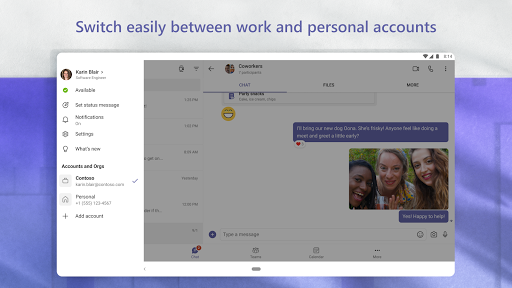
What is Microsoft Teams
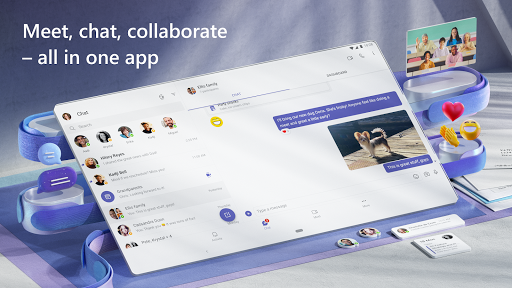
Microsoft Teams centralizes chat, video, and file collaboration into a single platform built for fast-moving US teams. High-energy features and tight Office integration make it a must-download for businesses looking to connect and act quickly.
Core Features
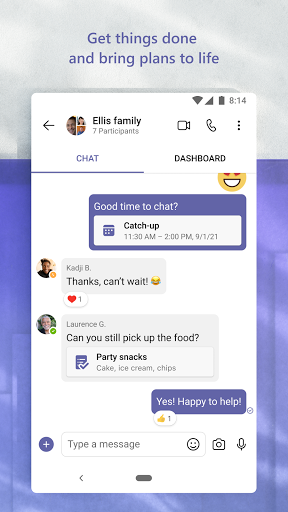
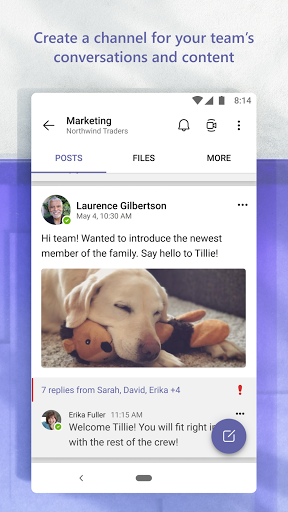
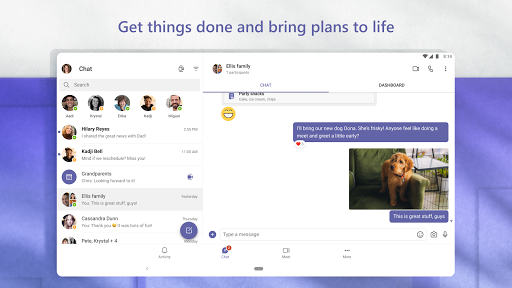
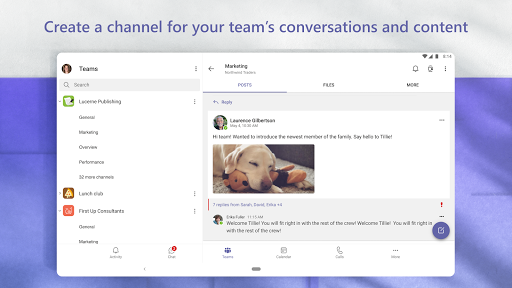
Chat and Channels Fast threaded messaging keeps conversations organized and searchable. Persistent chat supports mentions, rich text, and file previews for quick context. 💬
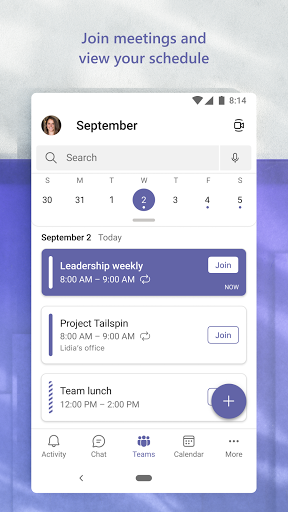
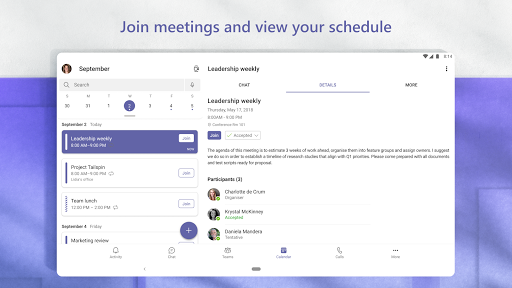
Video Meetings High-quality audio and video with background effects and meeting recording make remote meetings professional. Scheduling and calendar integration streamline invites and joining. 🎥
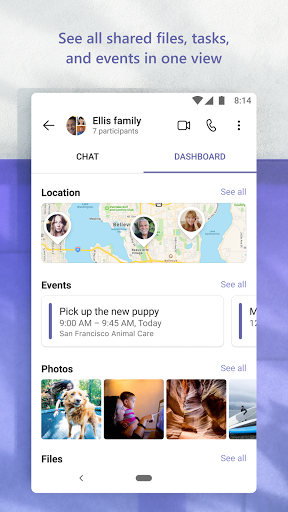
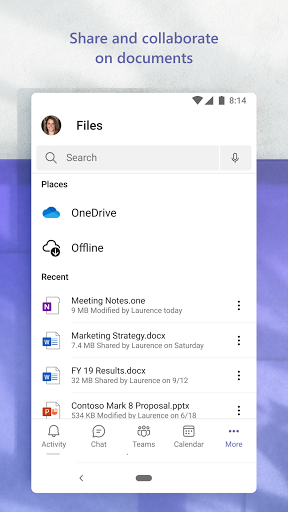
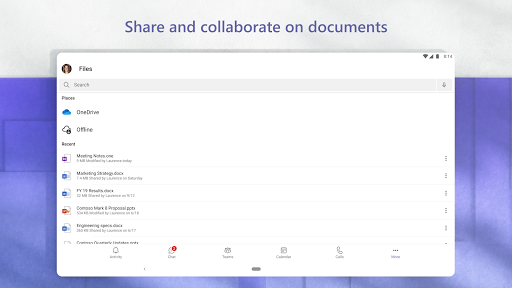
File Collaboration Built-in Office co-editing and cloud storage reduce version conflicts and speed document workflows. Files open inline and sync across devices for continuous access. 📎
Security and Compliance Enterprise-grade encryption and granular access controls protect data during transit and at rest. Compliance certifications and admin policies support regulatory needs. 🔒
Integrations and Apps Extensive third-party app library and Power Platform extensions connect tools and automate tasks. Custom connectors and bots elevate productivity across workflows. 🔗
Pros
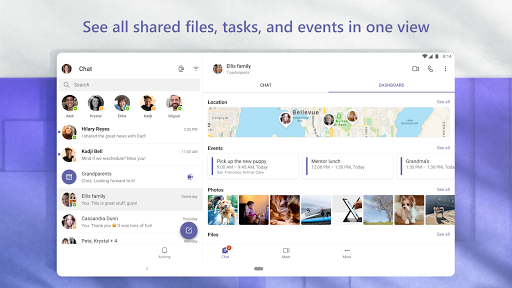
Unified Communication Combines chat, calls, and meetings in one platform to reduce app switching. Presence indicators and notifications keep teams aligned in real time. ✅
Productivity Boost Tight Office integration speeds document editing and task handoffs across teams. Templates and automation cut repetitive work and increase output. ⚡
Cross-Platform Access Native apps for desktop, web, and mobile ensure work continues across devices. Syncing maintains message history and meeting details everywhere. 📱
Enterprise Controls Centralized admin, policy enforcement, and analytics simplify IT management. Role-based access and auditing support enterprise governance. 💼
Scalable for Teams Plans scale from small teams to global enterprises with tenant management and federation. Multi-tenant and guest access options support complex orgs. 🌐
Cons
Learning Curve The interface and settings can be overwhelming for new users and require orientation. Training time may be needed to unlock full productivity. 🧾
Bandwidth Sensitivity High-quality video meetings demand reliable internet, which may strain remote or mobile connections. Poor connectivity degrades audio and screen sharing. 📶
App Complexity Numerous features and integrations can create clutter and duplicate notifications without careful configuration. Streamlining requires admin oversight and user discipline. 🧩
Cost for Advanced Features Premium compliance, advanced security, and larger meeting capacities require paid subscriptions. Smaller organizations may find costs increase as needs grow. 💸
Dependence on Microsoft Ecosystem Best experience is achieved with Office 365 and Azure, which may limit flexibility for mixed-tool environments. Integration with non-Microsoft systems can require extra setup. ⚙️
Prices
Free tier includes unlimited chats, one-on-one calls, and 60-minute meetings for small teams. Paid plans start around $6.00/user/month for Microsoft 365 Business Basic and scale to Business Standard (~$12.50/user/month) and enterprise tiers with advanced security and compliance at higher per-user rates.