
What is Google Chat
Google Chat brings fast, threaded messaging and team collaboration into a Google Workspace-ready app. Built for productivity with deep Gmail, Drive, and Meet integration to keep conversations and content organized. Download now to accelerate team communication and get started fast.
Core Features
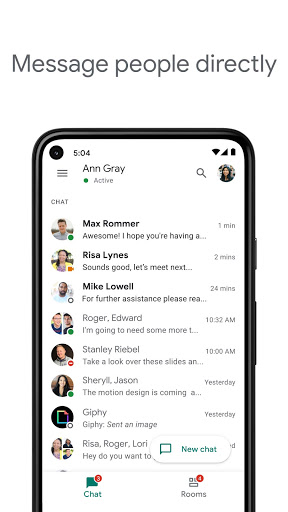
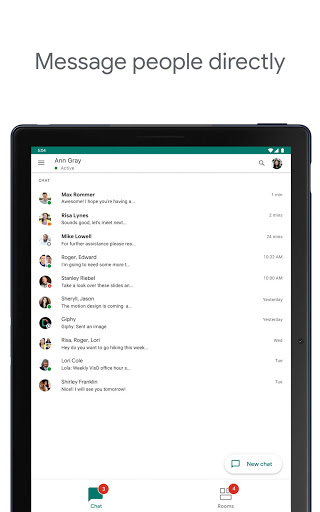
Real-time messaging Send instant messages with read receipts and presence indicators for fast back-and-forth communication. Messages sync across desktop and mobile with low latency. ⚡
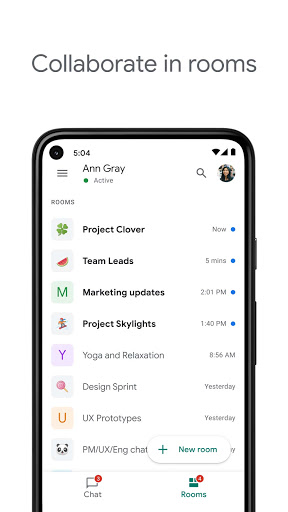
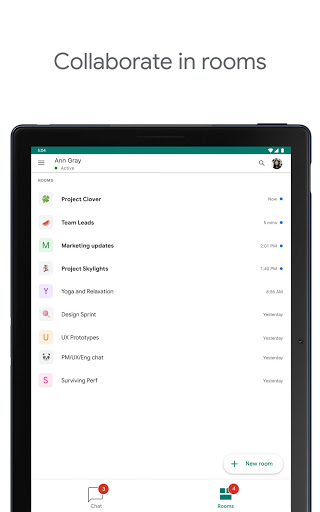
Threads and rooms Organize conversations into threaded rooms for topics and projects with persistent history. Threaded replies keep channels focused and searchable. 🧵
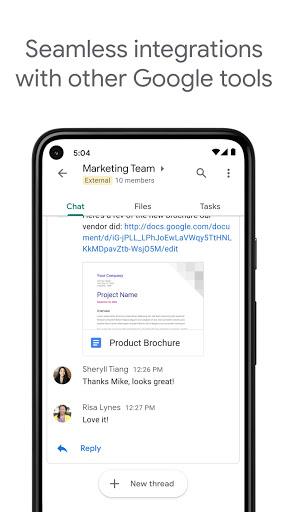
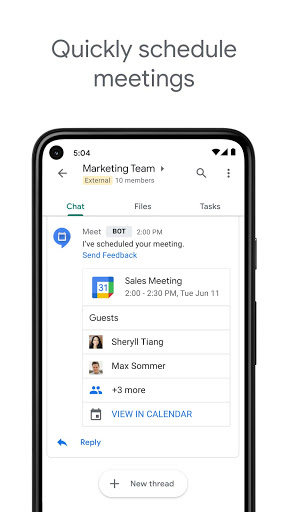
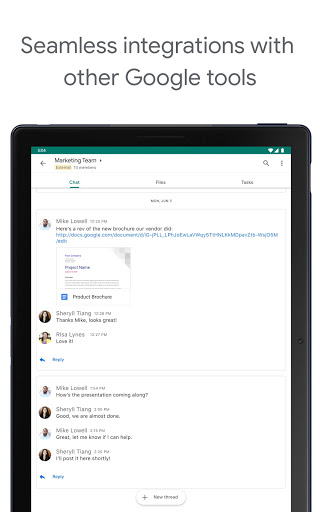
Google Workspace integration Native integration with Gmail, Drive, Docs, Sheets, and Meet enables seamless file sharing and context-aware collaboration. Open, edit, and share Drive files directly within chats. 🔗
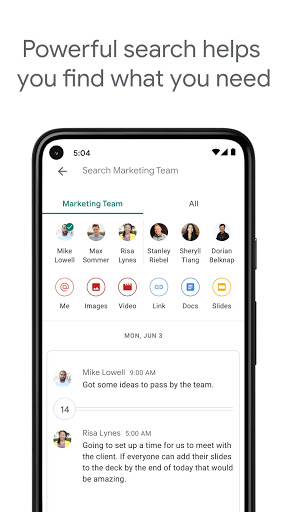
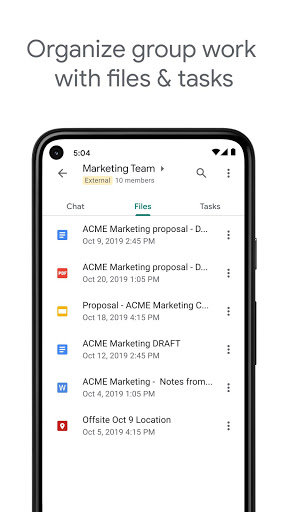
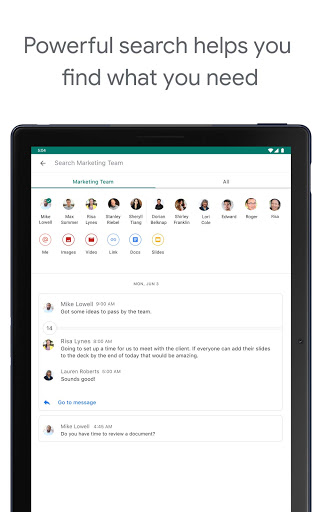
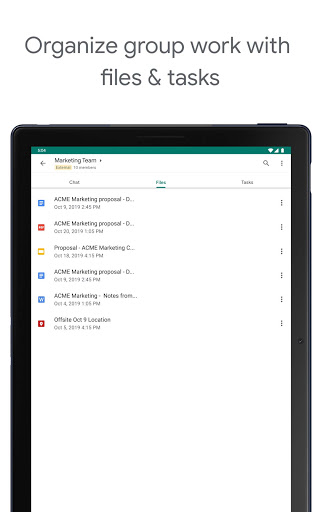
File sharing and search Share attachments, Drive files, and links with inline previews and permissions controls. Powerful search surfaces messages and files quickly across chats and rooms. 📎
Security and admin controls Enterprise-grade controls allow admins to manage retention, eDiscovery, and access policies across the organization. Data is stored on Google's infrastructure with Workspace security standards. 🔒
Pros
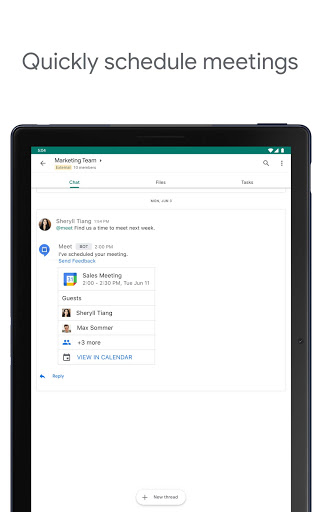
Seamless Workspace integration Works smoothly with Gmail, Calendar, Drive, and Meet to centralize workflows. Reduces app switching and keeps context linked to conversations. ✅
Cross-platform sync Messages and notifications sync across web, Android, and iOS instantly. Continue conversations on any device without gaps. 🔁
Advanced search and history Search indexes messages and files for quick retrieval across teams. Thread history preserves context for onboarding and audits. 🔎
Admin and compliance features Workspace admins gain controls for retention, auditing, and data export to meet enterprise requirements. Integration with Vault supports eDiscovery and compliance workflows. 🛡️
Free with Google account Basic messaging, rooms, and file sharing are available at no extra cost with a Google account. Easy to adopt for small teams and individuals. 💵
Cons
Privacy and data processing Messages and attachments are stored on Google's servers and are subject to Google's data handling policies. Some organizations may require additional controls or dedicated agreements for sensitive data. 🔐
Notification overload High-volume chats can generate frequent notifications that require fine-tuning. Default settings may lead to distractions until customized per channel. 🔕
Offline limitations Offline access is limited compared with some competitors, making reliance on connectivity necessary for real-time collaboration. Drafts may not sync until reconnection. 📶
Bot and app ecosystem gaps Third-party bot marketplace is smaller than some rivals, which can limit automation options for niche workflows. Custom integrations are possible but may require developer resources. 🤖
Workspace tier fragmentation Advanced security and administration features require a paid Google Workspace plan, so free users will see functional limits. Scaling to enterprise features involves additional licensing and setup. ⏳
Prices
Google Chat is free with any Google account for basic messaging and rooms. Advanced features and admin controls are included with Google Workspace plans starting at $6 per user per month; enterprise pricing available from Google sales.