


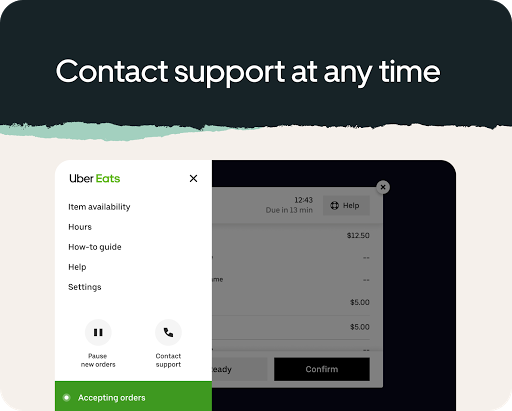
What is Uber Eats Order Manager
Optimize kitchen flow and reduce order errors with Uber Eats Order Manager, designed for busy US restaurants and delivery partners. Download now to start processing orders faster, improve accuracy, and boost customer satisfaction.Core Features
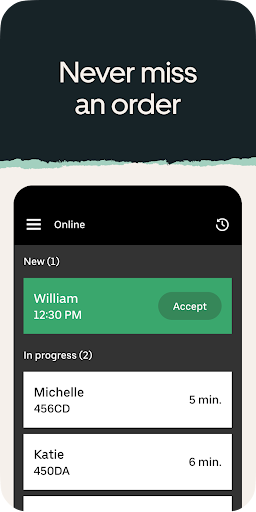
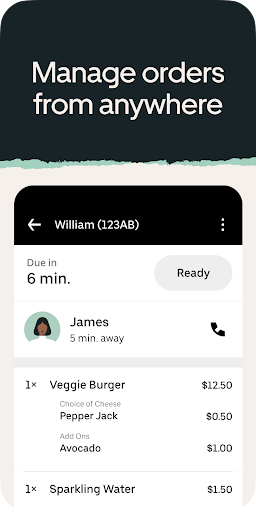
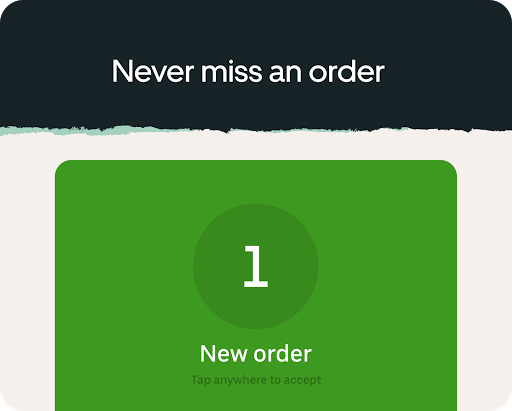
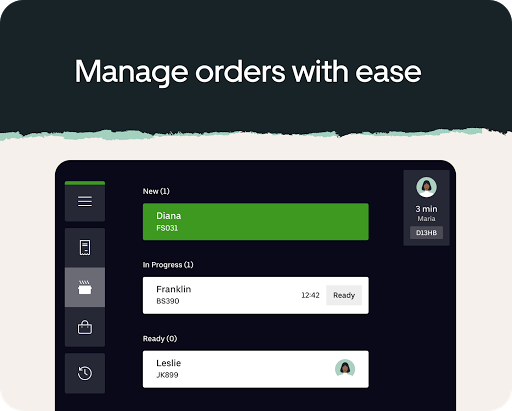
Live Order Dashboard Real-time order feed displays incoming Uber Eats orders with timestamps, item details, and customer notes for clear prioritization. Quick filters and search enable fast decision-making. 🔔
POS & Printer Integration Native integrations send tickets directly to common POS systems and kitchen printers to eliminate manual entry. Supports thermal printers and Bluetooth pairing for rapid setup. 🖨️
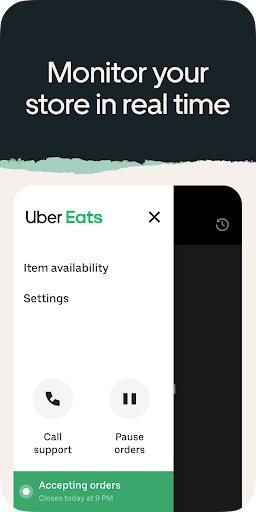
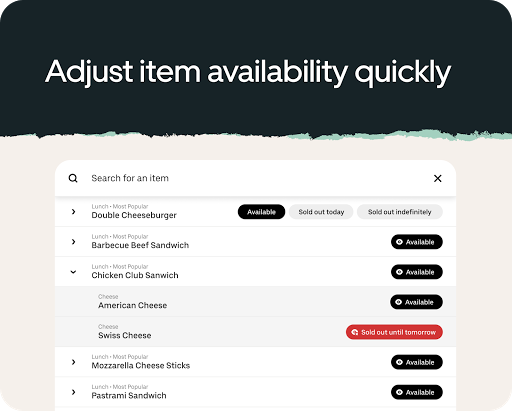
Menu Sync & Editing Push menu changes and item availability to Uber Eats instantly to avoid canceled orders and mismatches. Price and modifier updates synchronize across channels within minutes. 📝
Order Routing & Status Automatic routing assigns orders to the correct prep stations or locations and updates status as meals progress. Custom status labels help teams coordinate pickups and deliveries. 🚚
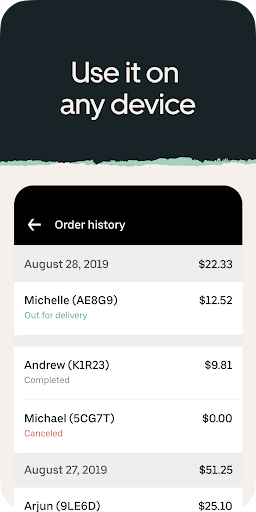
Analytics & Reporting Dashboards track order volume, peak times, and fulfillment accuracy for staffing and operational decisions. Exportable reports support reconciliation and performance reviews. 📊
Pros
Faster fulfillment Immediate notifications and streamlined workflows cut handling time so orders move through the kitchen quicker. Expect faster pickup and reduced customer wait times. ⚡
Error reduction Digital tickets reduce manual mistakes and misreads that lead to wrong orders. Clear modifier displays minimize missing add-ons. ✅
Easy onboarding Setup wizards and step-by-step device pairing get locations online quickly with minimal training. Staff adapt faster thanks to a clear, focused interface. ⏱️
Secure customer data Stores only necessary delivery details and uses platform encryption standards to protect information. CCPA-aware controls help meet regional privacy requirements. 🔒
Scalable for multi-location Centralized management handles multiple kitchens and storefronts from one account. Location-based rules and permissions simplify expansion. 🤝
Cons
Dependence on internet Requires a stable internet connection to receive and confirm orders in real time, so outages can halt service. Offline support is limited and may require manual workarounds. 📶
Hardware costs Thermal printers, tablets, and mounting hardware may require additional purchase and maintenance. Upfront hardware setup can be a barrier for small or independent restaurants. 💸
Transaction and service fees Commission rates and optional premium features add to per-order costs that impact margins. Fee structures vary by market and should be reviewed before onboarding. 💳
Learning curve for advanced features Advanced routing rules and analytics configuration take time to optimize for each kitchen. Incorrect settings can cause routing inefficiencies until adjusted. 🧭
Occasional sync bugs Peak loads can cause delayed menu syncs or duplicate orders for some merchants. Support response times vary by region, which can affect resolution speed. ⚠️
Prices
Basic access to Uber Eats Order Manager is typically included for restaurants using the Uber Eats platform, though standard commission fees per order still apply. Premium tiers add advanced analytics, multi-location management, and priority support via monthly subscriptions that vary by market. Hardware such as printers and tablets is usually a one-time expense, so factor equipment costs into the total setup budget.