What is PDF Reader
PDF Reader speeds up PDF viewing, editing, and sharing for professionals and students across the US. Get powerful annotation, reliable search, and fast load times to power through documents and paperwork.Core Features
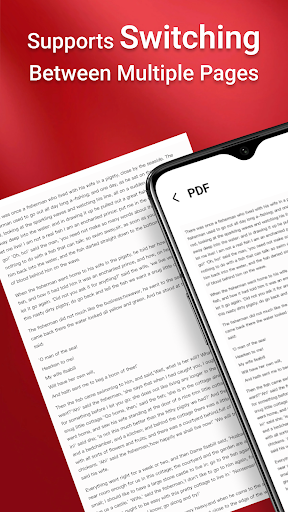
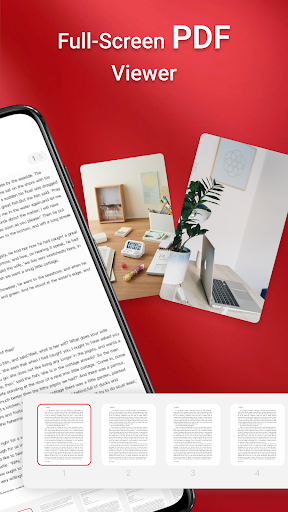
Fast Viewing Instant rendering of large PDFs with smooth page flips and quick thumbnail previews. Optimized for mobile and desktop so documents open with minimal delay. 📄
Annotation Tools Highlight, underline, add sticky notes, and draw freehand with pressure-sensitive tools. Supports text edits and form filling for on-the-go markup. ✍️
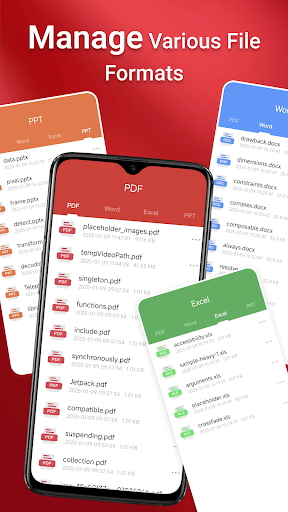
Document Conversion Convert PDFs to Word, Excel, and image formats with one tap and maintain layout fidelity. Batch conversion is supported for heavy workflows. 🔁
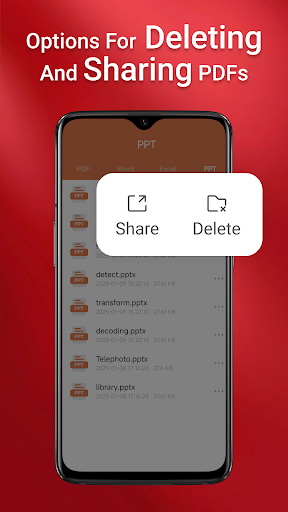
Cloud Sync & Sharing Integrates with major cloud services for seamless sync and secure sharing links. Real-time collaboration and permission controls keep teams aligned. ☁️
Security & Privacy Password protection, redaction tools, and optional local-only storage for sensitive files. End-to-end encryption available for premium users. 🔒
Pros
Speed Loads large files fast and supports continuous scrolling to speed review sessions. Performance improvements make multitasking smoother. 🚀
Intuitive UI Clean interface minimizes setup time and surfaces key tools up front. Shortcuts and gestures accelerate repetitive tasks. ✅
Robust Annotation Set Comprehensive markup options cover highlights, stamps, and custom stamps for workflows. Annotations export reliably across platforms. 🖊️
Cross-Platform Support Syncs between iOS, Android, and desktop with consistent feature parity. Team members can pick up where others left off. 🌐
Accessibility Features Text-to-speech, adjustable font sizes, and contrast modes improve readability for diverse users. Accessibility settings are easy to configure. ♿
Cons
Free Tier Limits Basic viewing is free but many advanced tools require subscription. Ads appear in the no-cost tier and can interrupt workflows. ⚠️
Performance on Low-End Devices Very large PDFs can lag on older phones or tablets during intensive operations. Background tasks may slow when memory is constrained. 🐢
Premium Features Behind Paywall Useful features like OCR and batch convert need a paid plan, which can be costly for occasional users. One-time purchases are limited compared with subscriptions. 💸
Large File Uploads and Sync Uploading very large documents over mobile networks can be slow and may consume significant data. Reliability depends on connection quality. 📶
Privacy Considerations Cloud backups simplify access but raise privacy considerations for highly sensitive documents. Local-only storage is available but requires manual configuration. 🔍
Prices
Free tier available with basic viewing and annotation; ads and feature limits apply. Premium subscription unlocks OCR, batch conversion, and end-to-end encryption with monthly and annual options, plus an annual discount. Enterprise and one-time pro licenses are available for teams needing advanced admin controls.